1-800Accountant is a US online accounting firm that handles taxes, bookkeeping and payroll for small businesses. Its Tax Calculators hub offers 11 free tools, from a self-employment tax estimator to calculators for DoorDash drivers and Amazon sellers. The pages are built for freelancers and small business owners who want a quick tax estimate.
1-800Accountant uses Inter across the hub and every calculator. Headings are bold at 700, so titles feel direct and practical. The hub title runs at 60px, and each calculator title at 48px. Body text sits at 16px with roomy line spacing, and helper text under each field drops to 12px. One family makes the tools feel like a clean, trustworthy app rather than a marketing page.
Element
Size
Weight
Line spacing
H1
48px
700
1.2
H2
48px
700
1.2
H3
20px
700
1.5
H4
-
-
-
Paragraph
16px
400
1.63
Headings
Inter
Paragraph
Inter
Color
Headings and body text share a warm near-black, #2B2828, on a light gray page with white cards. A bright tangerine, #FA8200, marks the result number, key words in titles and the FAQ icons. Main buttons use a blue gradient that ends in #245DFF. Each calculator card gets a pastel tint, in peach, mint, lavender or sky blue, with a matching icon.
HeadingRGB 43 40 40
ParagraphRGB 43 40 40
Primary ButtonRGB 36 93 255
Hero
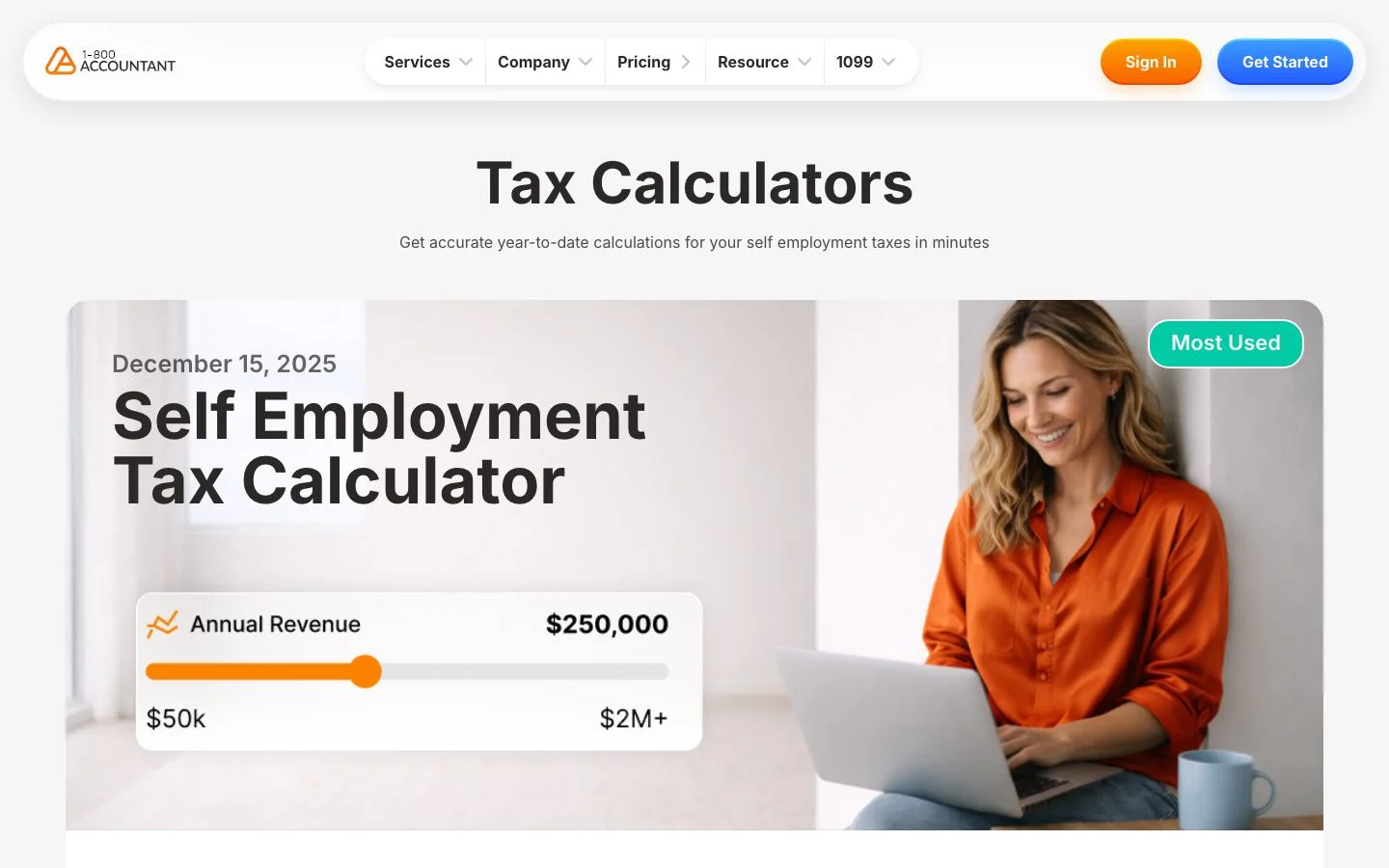
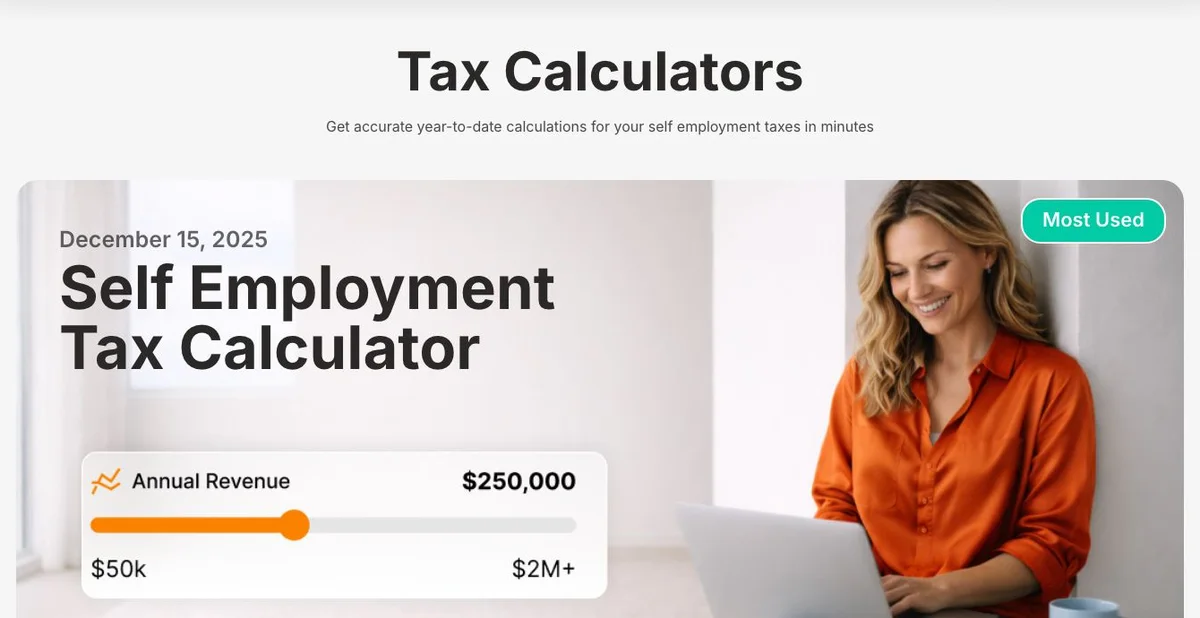
The hub opens with a centered "Tax Calculators" title and a one-line promise: accurate year-to-date estimates "in minutes". Below it, the most popular tool gets a wide featured card. "Self Employment Tax Calculator" sits in large bold type on the left, with a green "Most Used" pill in the corner. A smiling woman at a laptop fills the right side. A small white panel shows an orange "Annual Revenue" slider from $50k to $2M+, set at $250,000.
The featured card previews the tool before you click.
The slider is the key choice. It shows the calculator's input on the first screen, so the tool feels quick to use.
Page Flow
The hub and each calculator follow a short, practical order:
Hub title and featured tool: the most used calculator, shown as a large card.
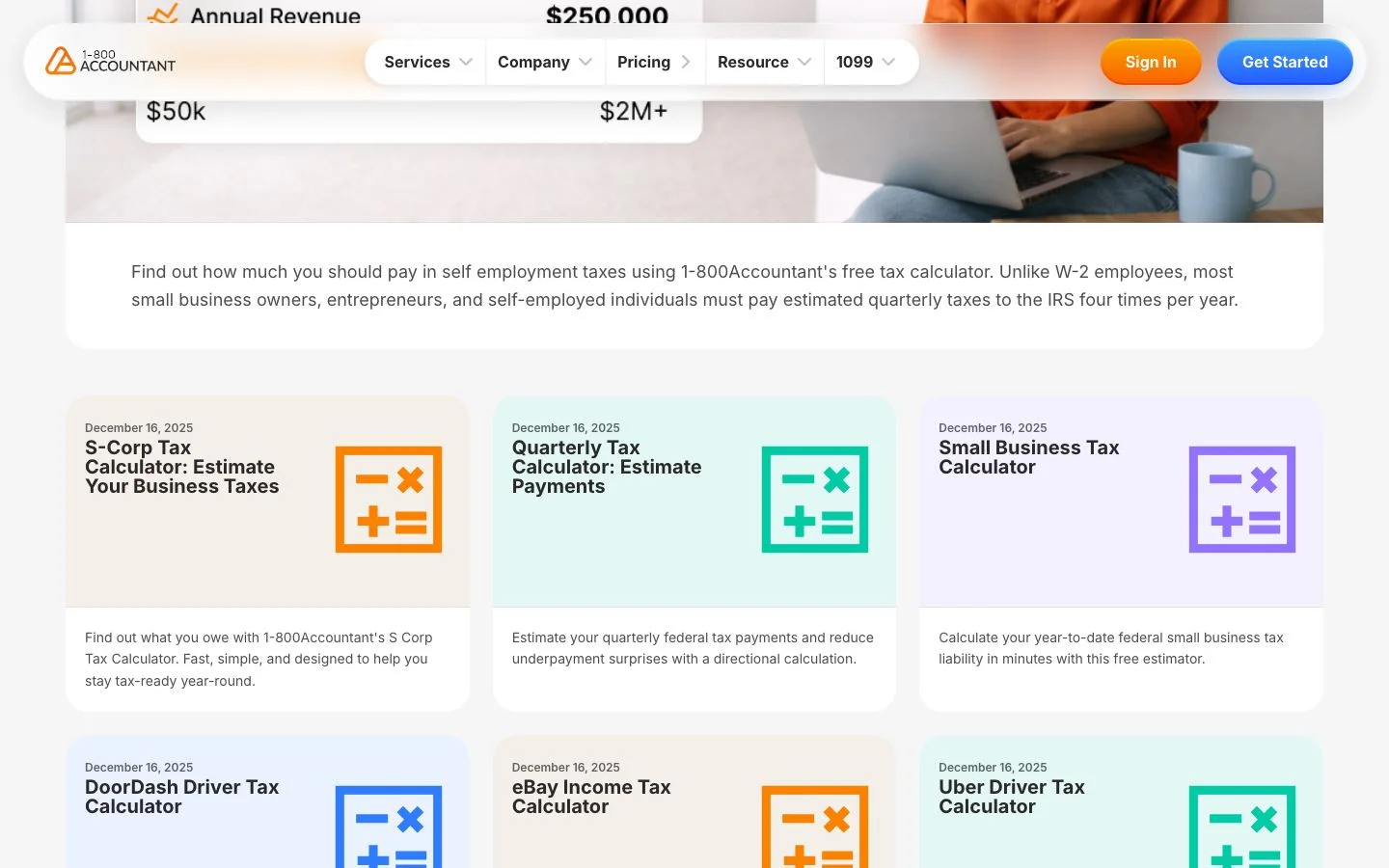
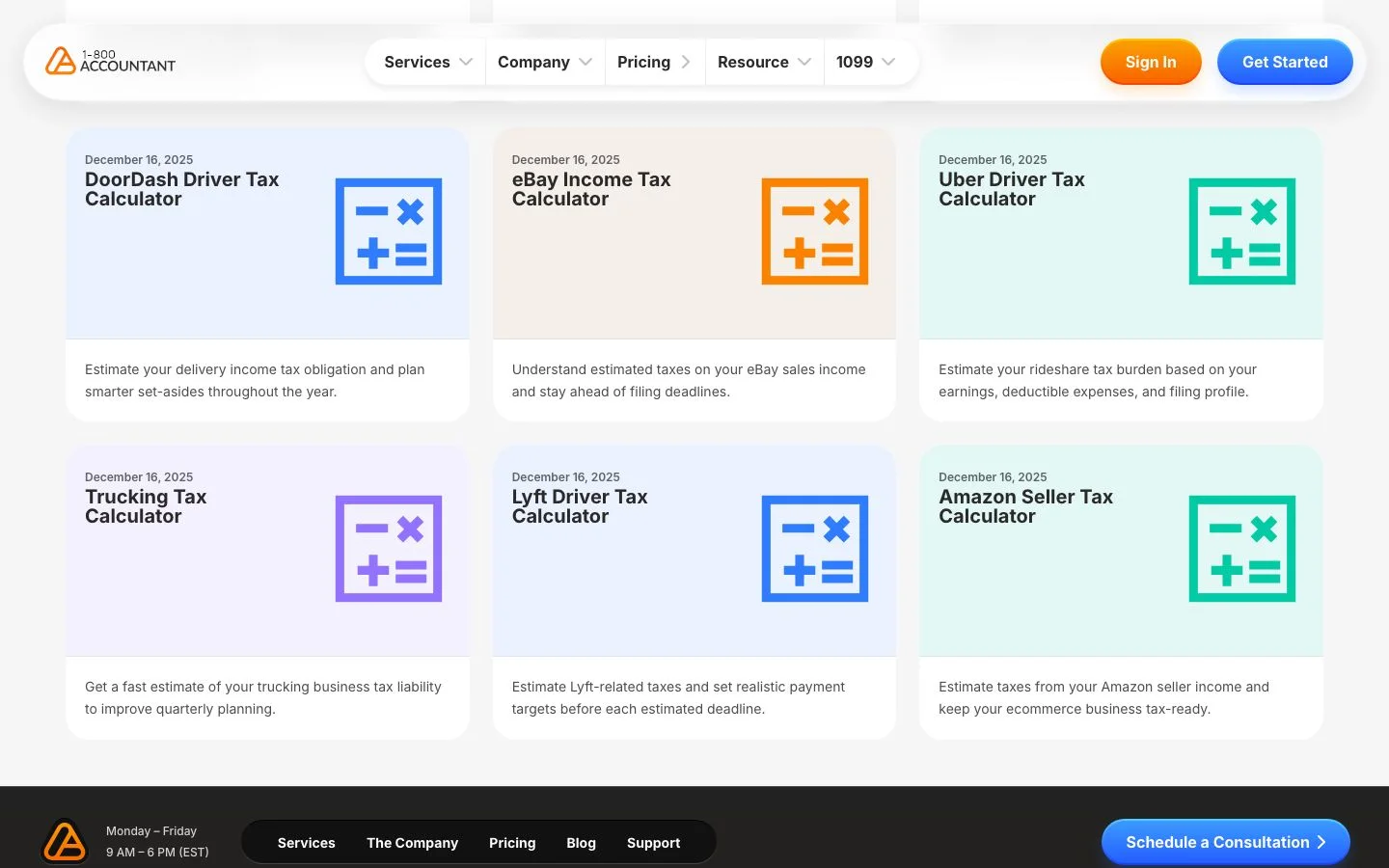
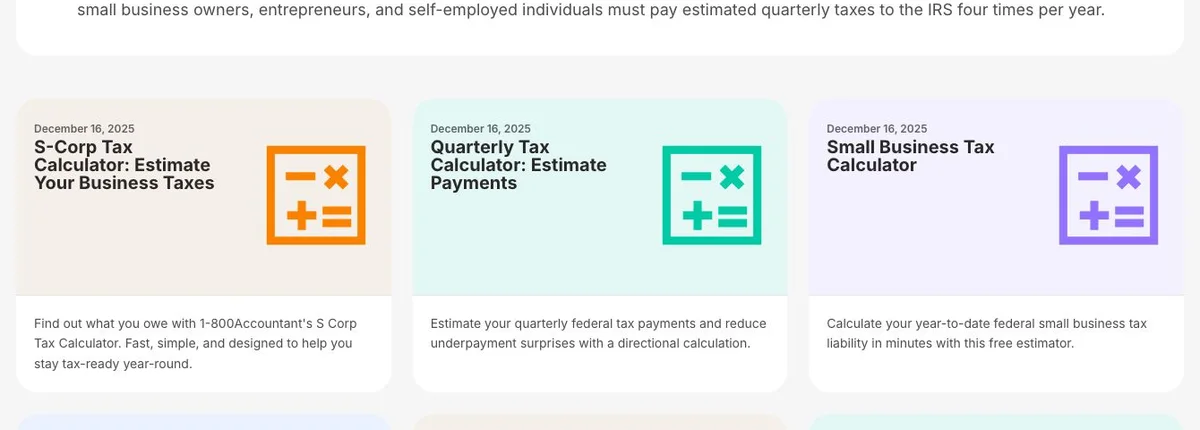
Calculator grid: the other 10 tools in a three-column grid of pastel cards.
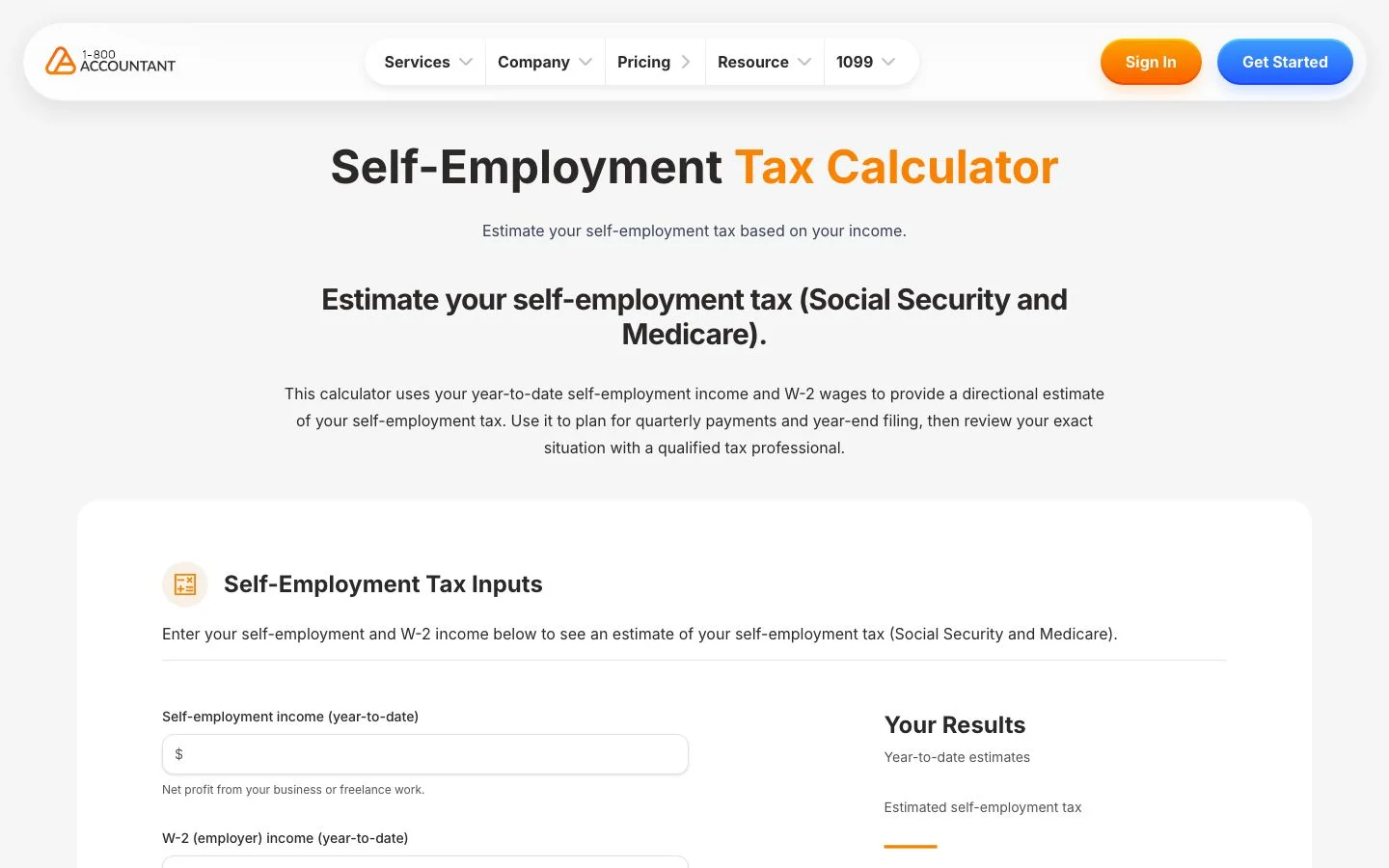
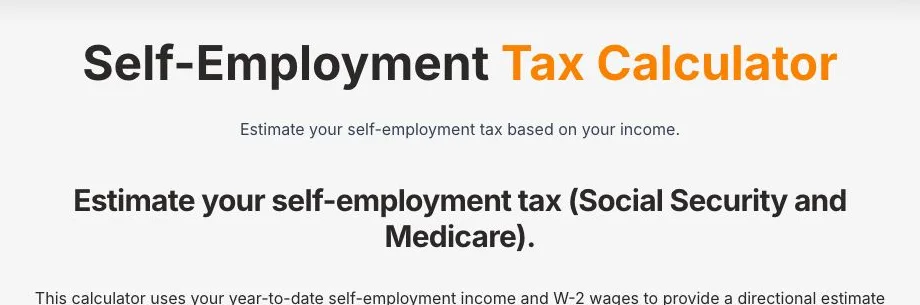
Calculator page: a centered title with "Tax Calculator" in orange, then a plain explanation of what it estimates.
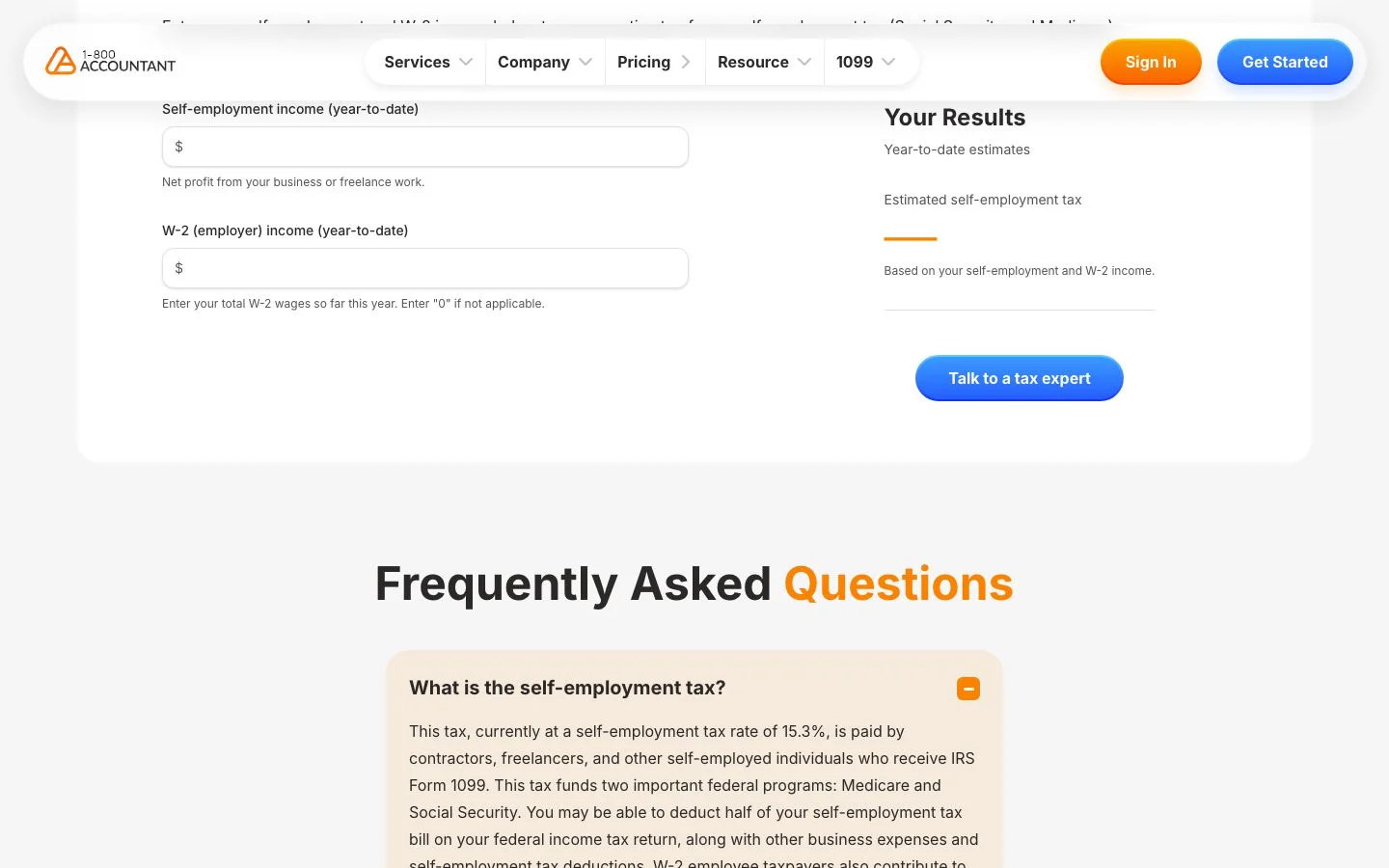
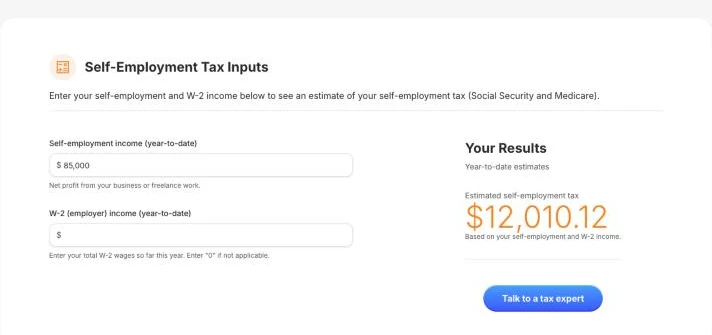
Input card: the form on the left and "Your Results" on the right.
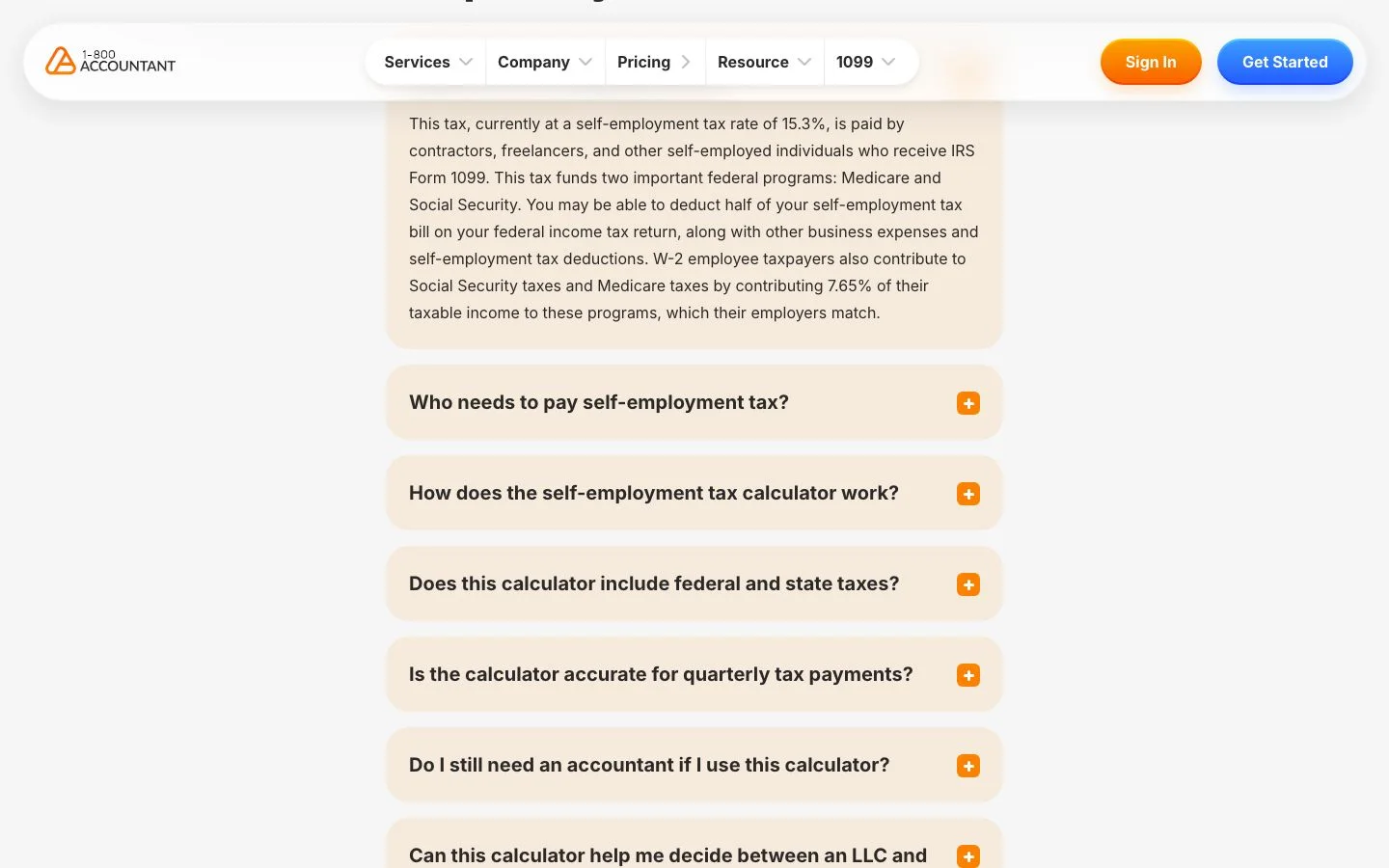
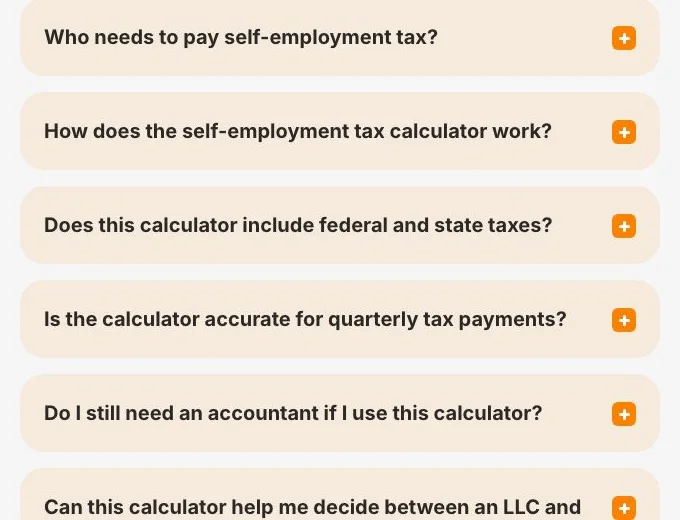
FAQ: a stack of peach accordion bars.
Each tool gets its own pastel color and icon.
Each grid card has a date, a bold title, a large outlined calculator icon and a two-line description. The icon is the same on every card, and the color changes. So the grid looks tidy, while each tool still has its own identity.
A clear title, then a plain explanation.
The input card is the heart of the page. Two fields sit on the left. Each has a small helper line, like "Net profit from your business or freelance work." The result appears on the right as soon as you type. In our test, $85,000 of income returned "$12,010.12" in large orange type.
The answer appears instantly, in big orange numbers.
Proof and Trust
The calculators build trust through clarity rather than logos. Each page explains what the estimate covers, like Social Security and Medicare, and calls it "directional". Helper text under every field says exactly what to enter. The FAQ answers the doubts a careful user has, such as whether the inputs are stored or shared. The footer adds an A rating badge and a SOC 2 Type 1 badge.
The FAQ answers the doubts a careful user has.
Calls to Action
The calculators sell by being useful first. There's no signup wall, and the result appears without an email. Right under the result, a blue "Talk to a tax expert" button offers the next step. The sticky header keeps an orange "Sign In" button and a blue "Get Started" button in view. A dark footer band repeats "Schedule a Consultation".
Two gradient buttons stay in the sticky header. The help offer arrives at the exact moment the user sees their tax bill.
Imagery and Motion
The hub uses one lifestyle photo, on the featured card, and flat icons everywhere else. Every calculator card has the same outlined calculator icon, recolored to match its pastel tint. The orange slider on the featured card hints at how the tools work. Inside each calculator, the live result is the only movement, and it's the most satisfying part of the page.
What We Like
1-800Accountant's calculators feel like a friendly app inside a marketing site. They're clean, fast and honest, and they give away a real answer before asking for anything.
We like the instant result most. Type your income, and a large orange number appears with a "Talk to a tax expert" button right below it. The design turns a free tool into a natural sales moment without a form in the way.
We also like the hub's color system. One icon in five pastel tints keeps 11 tools organized and easy to scan.
A free tool sells best when it answers the question first and offers help second.