Marketing collateral is any designed asset a brand uses to support a sale, such as reports, case studies, one-pagers, brochures, eBooks, and decks. Our curated round up covers the 8 main types, with real examples from 24 brands across 21 industries, and a 7-step process to create your own.
The best examples share three traits. They answer one buyer question, prove the answer with real data or a named customer, and look unmistakably like the brand that made them. Short on time? Start with the HubSpot 2026 State of Marketing Report, Okta's Businesses at Work, and Spotify Advertising's Culture Next.
- Marketing collateral is any designed asset that helps a buyer decide, from a 1-page sales sheet to a 60-page report.
- The 24 examples below come from 24 named brands across 21 industries, all public and live as of November 2026.
- Choose original data when you can: Okta, Datadog, and Gong build reports from their own product data.
- Use web pages before PDFs if search matters, because Deloitte and Microsoft split reports into rankable pages.
- Avoid generic stock layouts; Spotify's Culture Next proves B2B collateral can look like a magazine.
What Is Marketing Collateral?
Marketing collateral is content built to move a buyer one step closer to a purchase. The word comes from banking, where collateral backs up a loan. In marketing, collateral backs up a claim.
That's the simplest way to separate it from other content. A blog post attracts attention. Collateral answers the follow-up question a serious buyer asks: "Prove it." So collateral for marketing usually carries evidence, such as survey data, customer results, product specs, or pricing.
Collateral marketing used to mean printed brochures and trade show handouts. Today most of it lives on the web. A case study library, a research hub, or an annual letter is collateral, even though nobody prints it.
Sales Collateral vs Marketing Collateral
Sales collateral is used during a conversation, while marketing collateral works before one. A one-pager emailed after a demo is sales collateral. A public trend report that buyers find on their own is marketing collateral.
In practice, the line blurs. The same case study can sit on your website and inside a rep's follow-up email. Plan each asset for both jobs and you'll get more use out of it.
Why Marketing Collateral Still Matters
Buyers research alone before they talk to anyone. That makes your collateral the salesperson in the room when you aren't there. If the asset is thin, the buyer moves on.
Good collateral also compounds. A strong annual report earns links, press mentions, and social shares for a full year. Sprout Social has published its Index long enough to reach Edition XX, which turns a yearly survey into a brand asset sales teams quote by name.
There's a cost, though. Original research takes months and real budget. A thin report with recycled stats can hurt trust more than having no report at all.
The Main Types of Marketing Collateral
Most collateral falls into eight formats. Each one suits a different stage and buyer question.
Research and Trend Reports
Reports answer "What's changing, and what should I do about it?" They work at the top of the funnel and earn links. They're expensive to produce well, so most brands publish one flagship report a year.
Data Reports Built on Product Data
These reports answer the same question with data only you own. Product usage, platform logs, and anonymized customer data make the findings impossible to copy. They need legal and privacy review, which adds weeks.
Annual Letters and Impact Reports
Letters and impact reports answer "Can I trust this company long term?" Investors, partners, and enterprise buyers read them. They need executive time, which is the hardest resource to schedule.
Case Studies and Customer Stories
Case studies answer "Has this worked for someone like me?" They're the most used collateral in late-stage deals. The bottleneck is customer approval, so build a pipeline of willing customers before you need them.
Brand Manifestos and Principles
Manifestos answer "How do you think?" They help buyers choose between similar products on philosophy. They fail when they read like slogans with no practice behind them.
One-Pagers, Sales Sheets, and Brochures
One-pagers answer "What is it, and why should I care?" in a single scroll or page. Reps use them after calls. Keep one per product or use case, or they'll drift out of date.
eBooks and Guides
eBooks answer "How do I do this?" in depth. They suit lead capture because readers trade an email for real instruction. See our roundup of B2B eBook design examples for layouts that hold attention past page three.
Infographics and Visual Summaries
Infographics answer one question visually and travel well on social. They're also the cheapest way to repackage a long report. Our infographic design guide covers hierarchy, data display, and sizing.
24 Marketing Collateral Examples Worth Studying
We picked these from public, live pages by named brands. Each one shipped recently, and each shows a decision you can copy. Screenshots are credited to their owners and link to the source.
Comparison Table
| Brand | Industry | Asset | Standout Element |
|---|---|---|---|
| HubSpot | Marketing software | State of Marketing report | Landing page sells findings in one scroll |
| Salesforce | CRM | Connected Customer report | Sample size stated up front |
| Deloitte | Consulting | Tech Trends 2026 | Chapter pages that rank on their own |
| Microsoft | Enterprise software | Work Trend Index | Living research hub, not a PDF |
| Zendesk | Customer service software | CX Trends 2026 | Dedicated microsite |
| Hootsuite | Social media software | Social Media Trends 2026 | Memorable trend names |
| Sprout Social | Social media software | Sprout Social Index | Numbered edition series |
| Twilio | Communications APIs | State of Customer Engagement | Two audiences in one survey |
| Okta | Identity security | Businesses at Work | Built on product data |
| Datadog | Cloud monitoring | State of Cloud Security | No form wall |
| GitHub | Developer platform | Octoverse | Web-native shareable charts |
| Spotify Advertising | Media and advertising | Culture Next | Magazine-style B2B design |
| Duolingo | Consumer education | Language Report | Press-friendly data stories |
| Stripe | Fintech | Annual letter | Essay format from a private company |
| Apple | Consumer electronics | Apple 2030 page | Launch-level production values |
| IKEA | Retail | Reports library | One hub for every audience |
| Shopify | Ecommerce platform | Case study library | Filters by industry and need |
| Slack | Workplace software | Customer stories | Logos and outcome headlines first |
| Notion | Productivity software | Customer stories | Workflow details, not only results |
| Figma | Design software | Customer stories | Layout proves the product |
| Webflow | Website builder | Customer stories | Enterprise and agency tabs |
| Intercom | Customer service software | Customer stories | Metrics on every card |
| Linear | Project management | Linear Method | Philosophy before features |
| Gong | Revenue intelligence | Gong Labs | Research engine feeding every channel |
1. HubSpot: 2026 State of Marketing Report
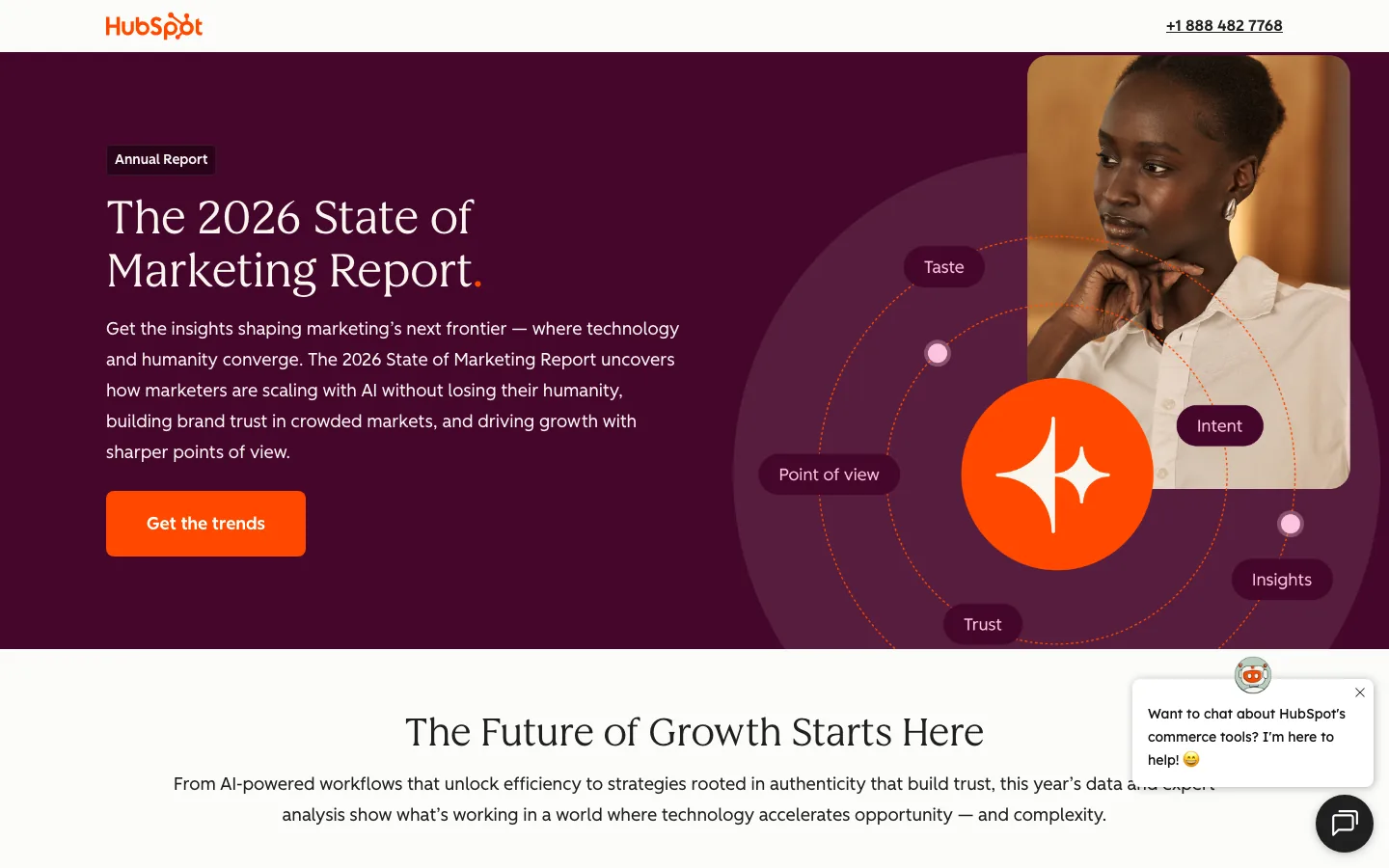
The HubSpot 2026 State of Marketing Report covers how marketers use AI, brand point of view, and HubSpot's Loop Marketing idea. The landing page does the selling: a bold headline, a short summary, and one button. You know what you'll get before you give your email.
Steal this: Write the landing page as a trailer for the report, not a table of contents.
2. Salesforce: State of the AI Connected Customer
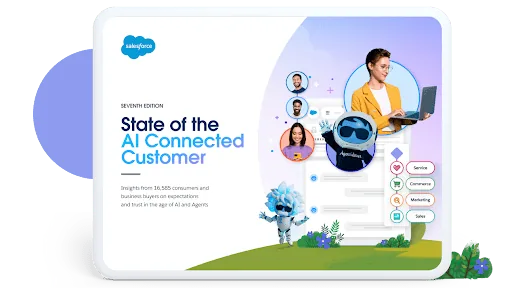
Salesforce opens its State of the AI Connected Customer report by naming the sample: 16,585 consumers and business buyers. That single number does more for credibility than any adjective. The cover art stays on brand with Salesforce's illustrated characters.
Steal this: Put your sample size in the first line of the page, not the methodology appendix.
3. Deloitte: Tech Trends 2026
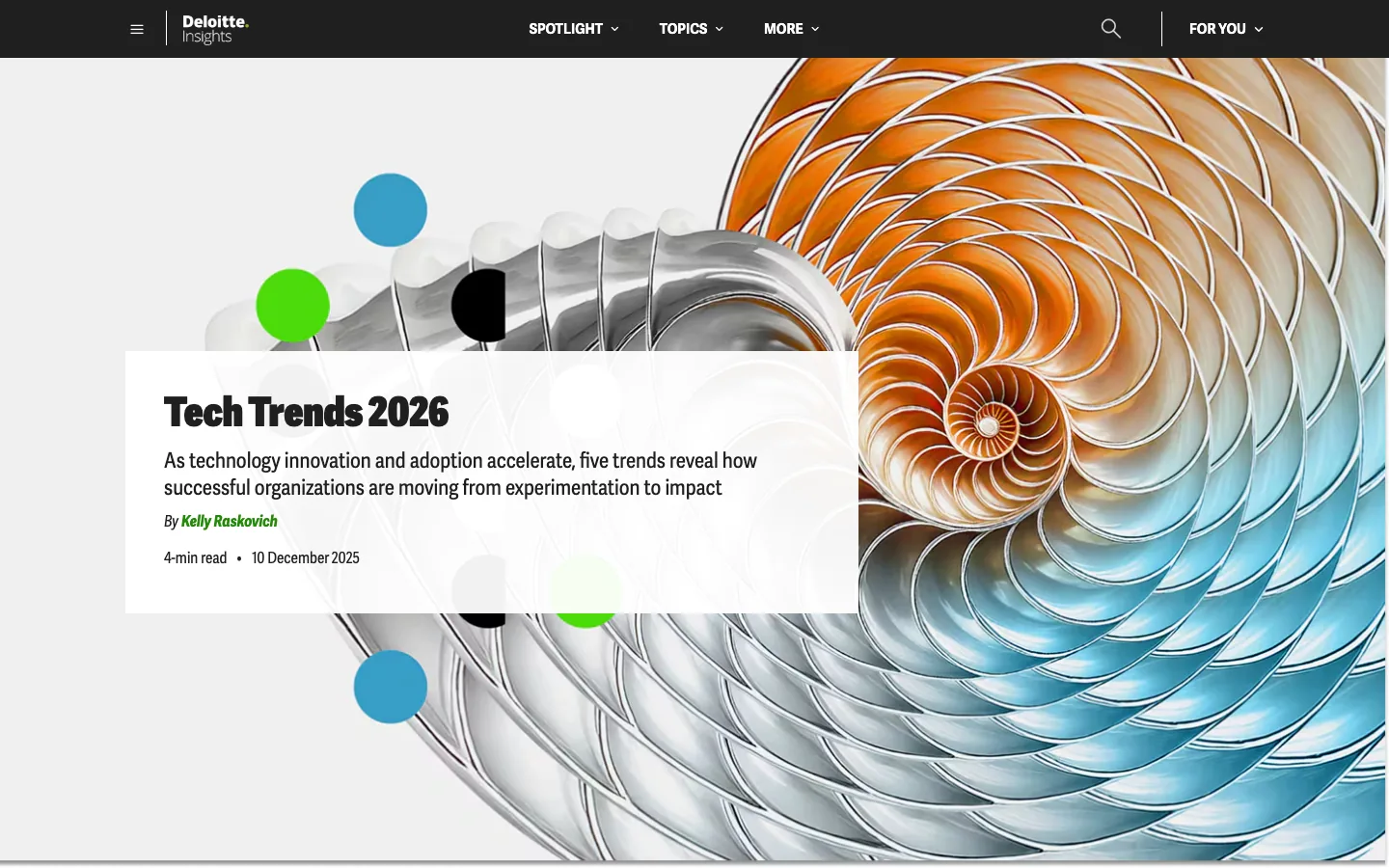
Deloitte Tech Trends 2026 is split into five trends, and each trend gets its own page. That's smart for search, because each chapter can rank for its own topic. It also lets a sales team share the one chapter a prospect cares about.
Steal this: Publish each chapter of a long report as its own URL.
4. Microsoft: Work Trend Index
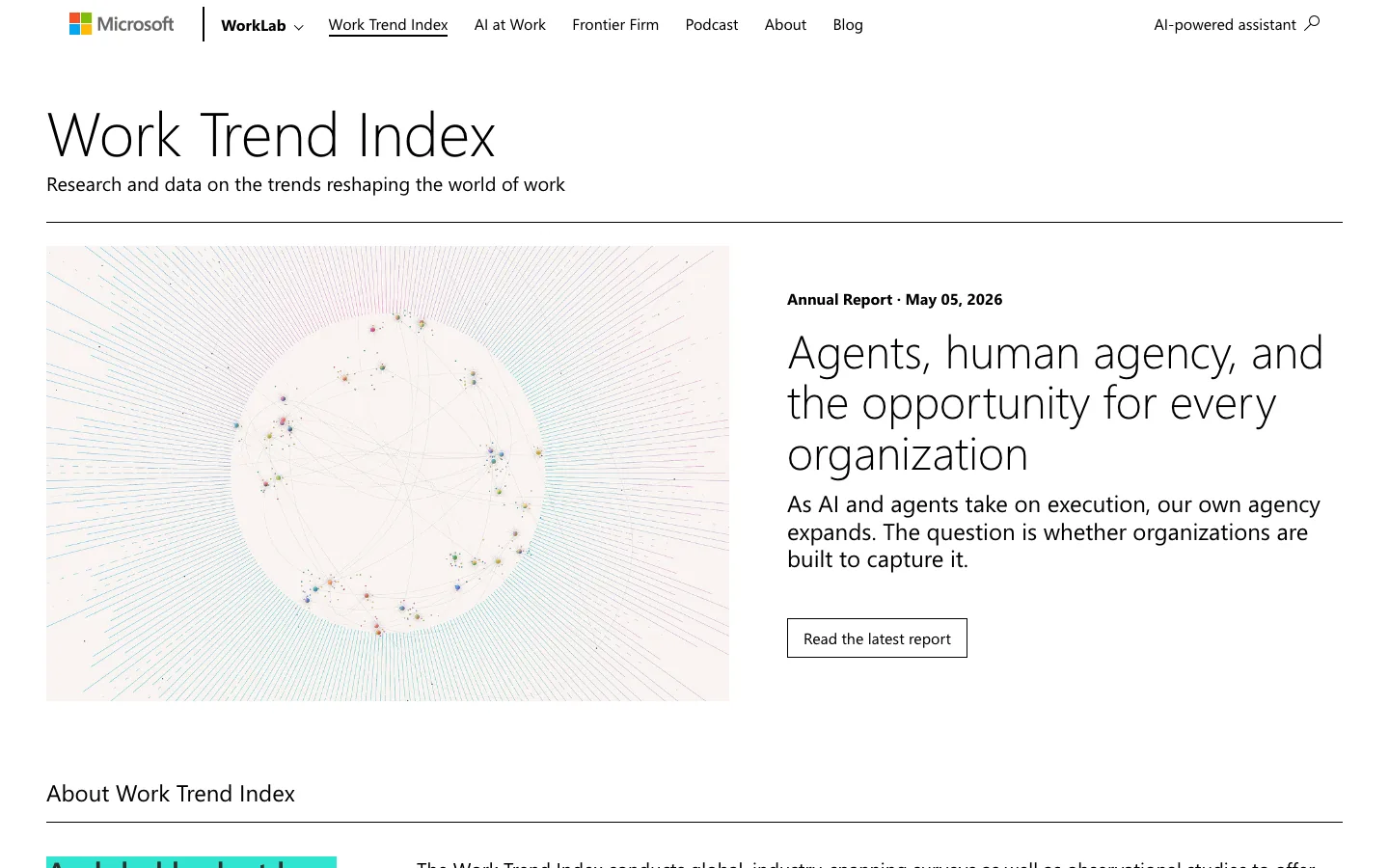
The Microsoft Work Trend Index lives inside WorkLab, an editorial hub with articles, podcasts, and data. The research never goes stale on a forgotten PDF page. New findings slot into the same home each year.
Steal this: Give your research a permanent hub and add to it instead of starting over.
5. Zendesk: CX Trends 2026
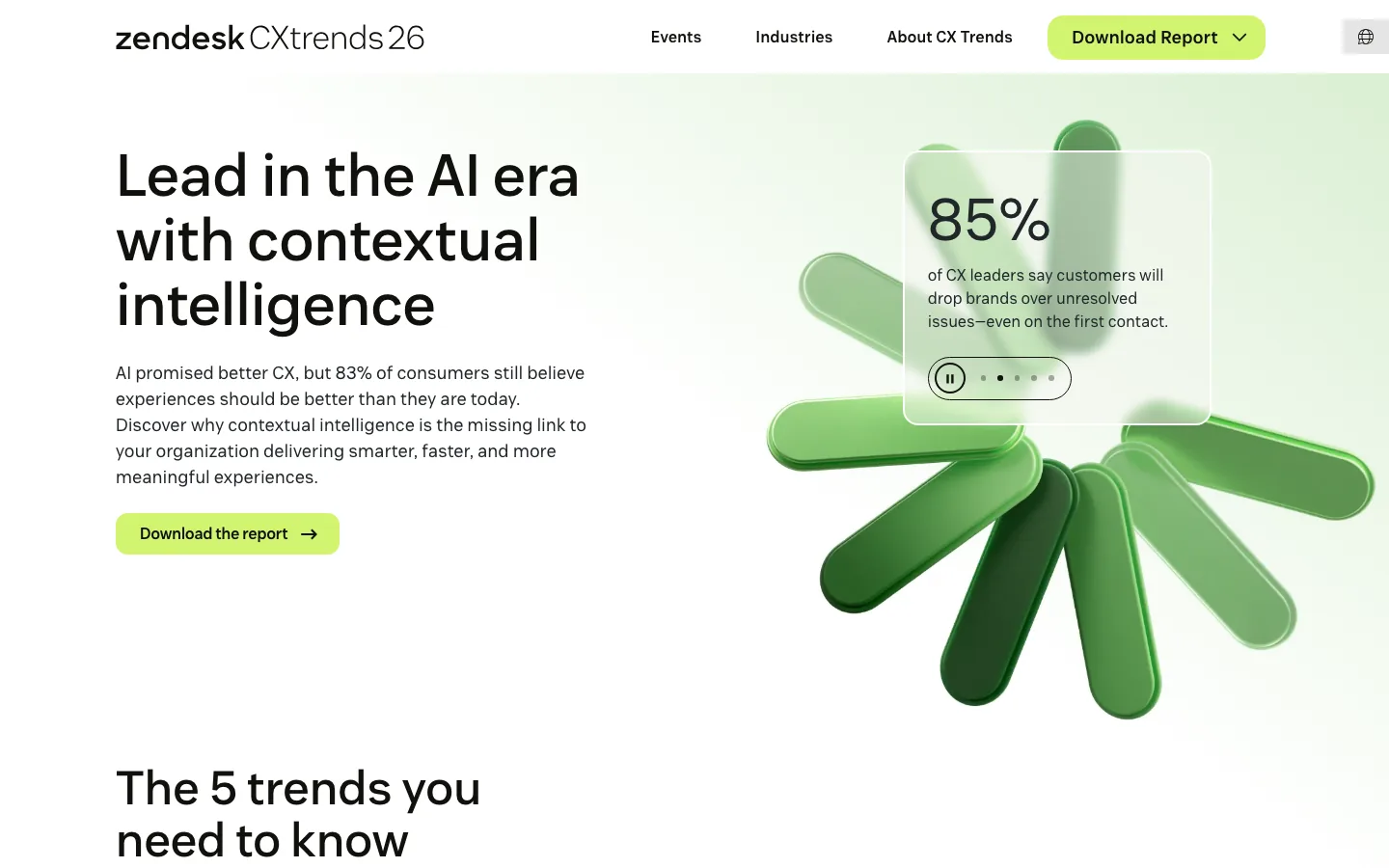
Zendesk CX Trends 2026 runs on its own subdomain with its own navigation. That treatment tells buyers the report is a flagship product, not a side project. The hero leads with one bold stat and a single download button.
Steal this: If a report is your biggest asset of the year, give it a dedicated microsite.
6. Hootsuite: Social Media Trends 2026
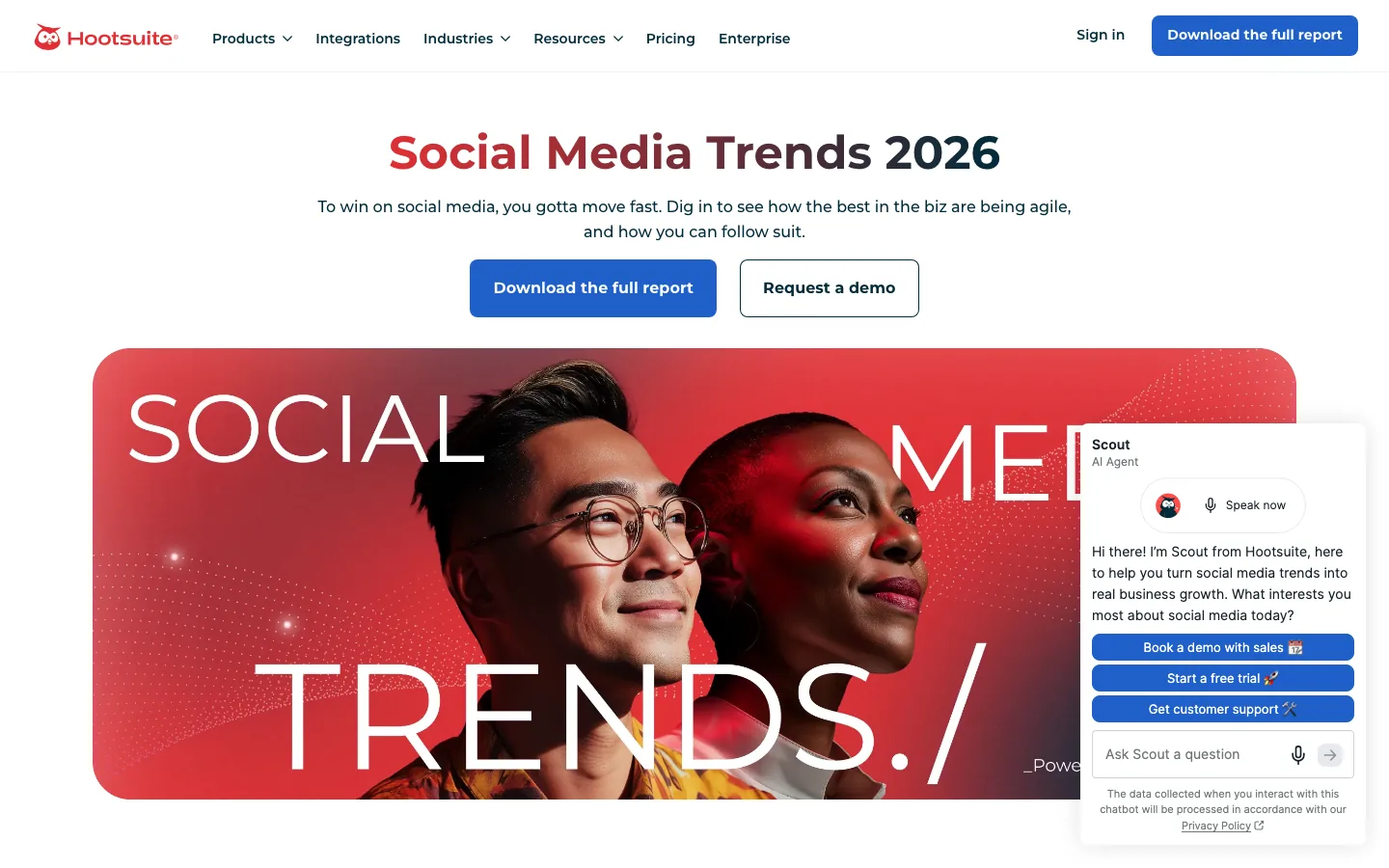
Hootsuite's Social Media Trends 2026 gives each trend a sticky label, such as "chaos culture" and "snowballing." Labels like these get repeated in posts and podcasts, and each repeat points back to Hootsuite. The design matches, with oversized type and bold photo crops.
Steal this: Name your findings so people can quote them in three words.
7. Sprout Social: 2025 Sprout Social Index
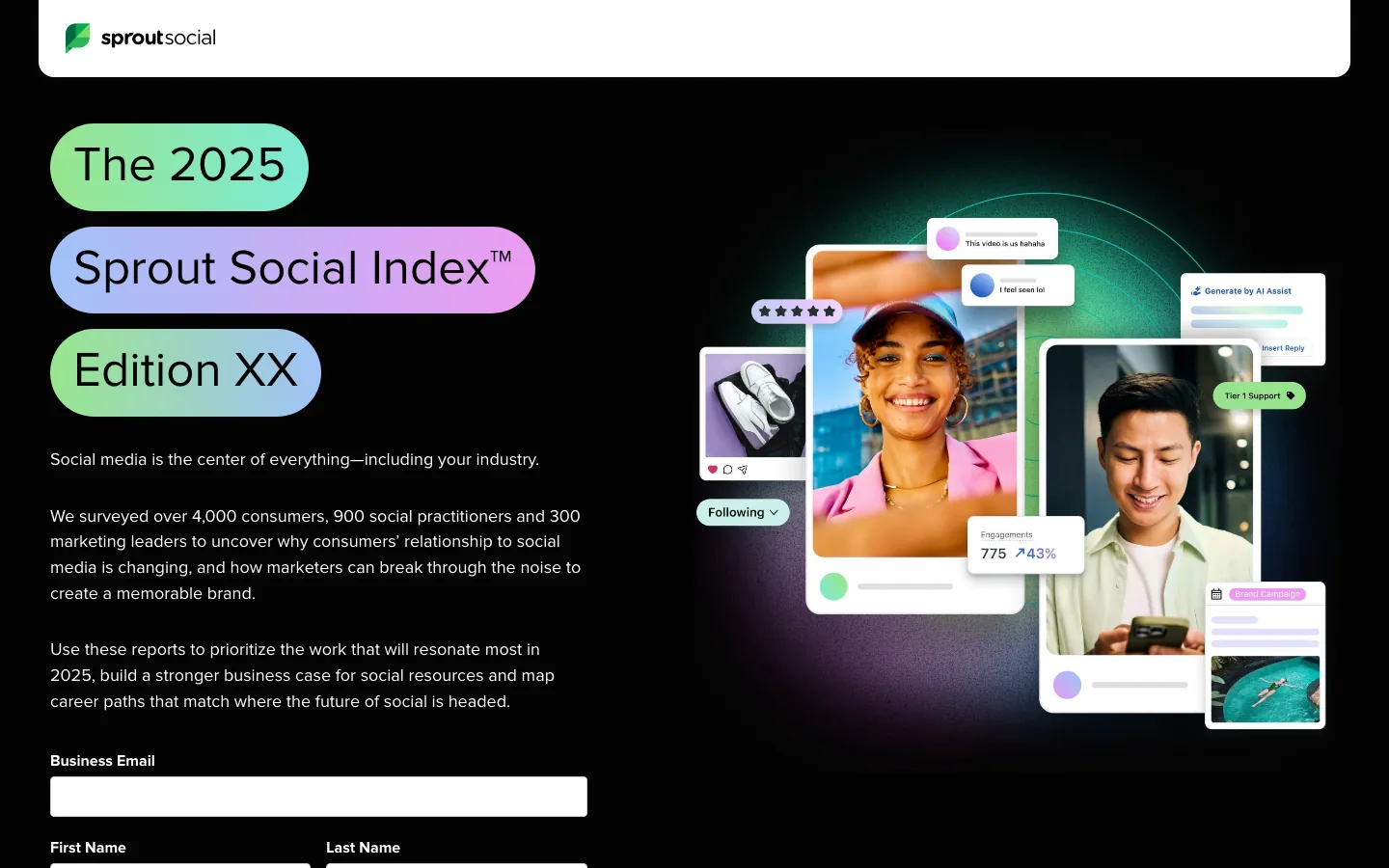
The 2025 Sprout Social Index surveys over 4,000 consumers and 1,200 marketers. Its edition number signals a long track record. Bright product imagery keeps it from looking like a dry survey.
Steal this: Number your report editions. A series builds trust that a one-off can't.
8. Twilio: 2025 State of Customer Engagement Report

Twilio's 2025 State of Customer Engagement Report pairs 7,640 consumers with 637 business leaders. Comparing the two groups creates built-in tension: what customers want versus what companies think they want. That gap is the story sales reps can use.
Steal this: Survey both sides of the transaction and report the gap.
9. Okta: Businesses at Work
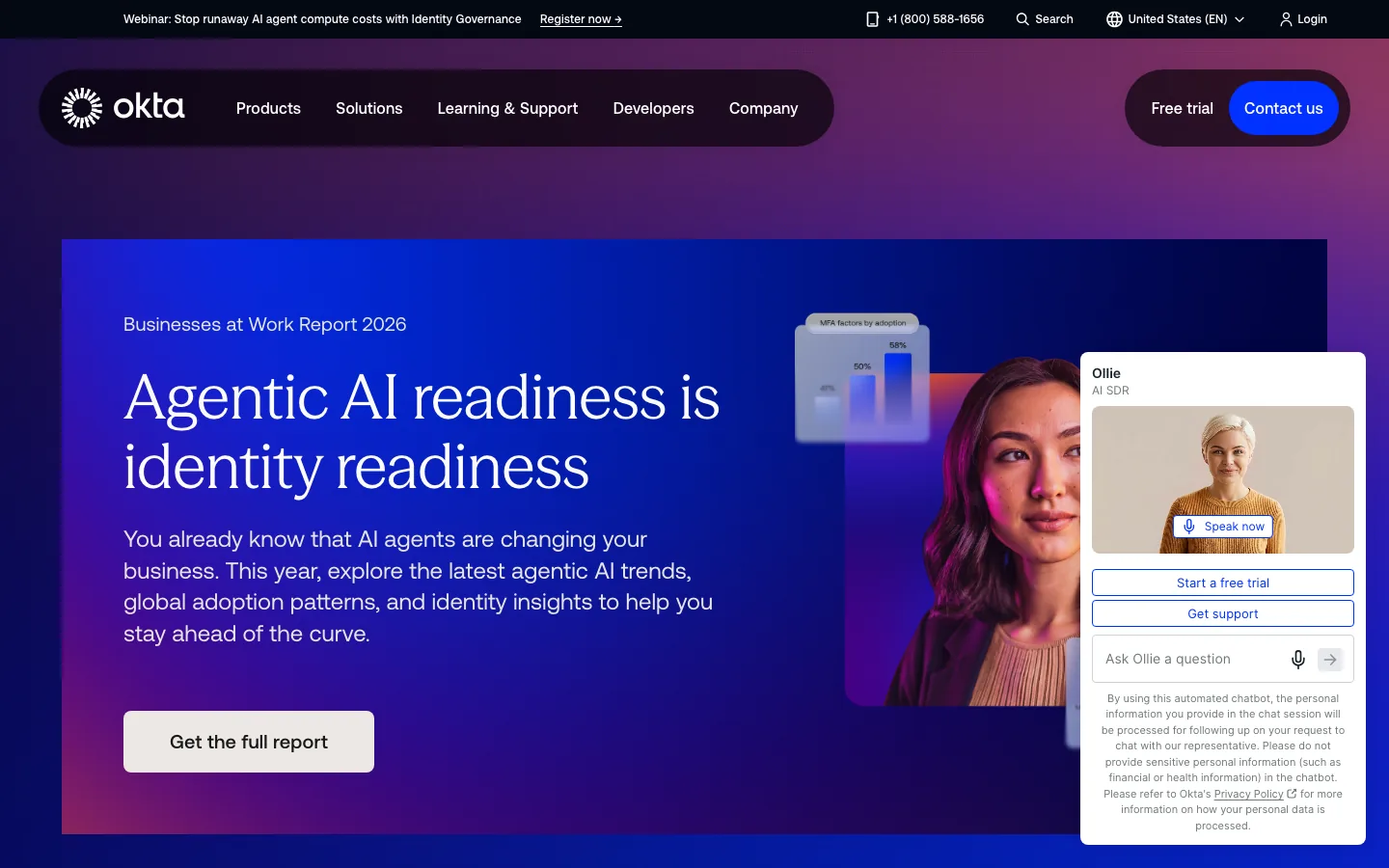
Okta's Businesses at Work report draws on anonymized data from Okta's own platform. No competitor can reproduce it. The page keeps the layout simple and lets the headline claim do the work.
Steal this: Before you commission a survey, check what your own product data can already prove.
10. Datadog: State of Cloud Security 2025

Datadog's State of Cloud Security 2025 analyzes AWS, Google Cloud, and Azure data from thousands of organizations. The full findings sit on one open page with no form. Engineers hate gates, and Datadog designs for that audience.
Steal this: Drop the form when your buyer is technical. You'll trade leads for reach and trust.
11. GitHub: Octoverse
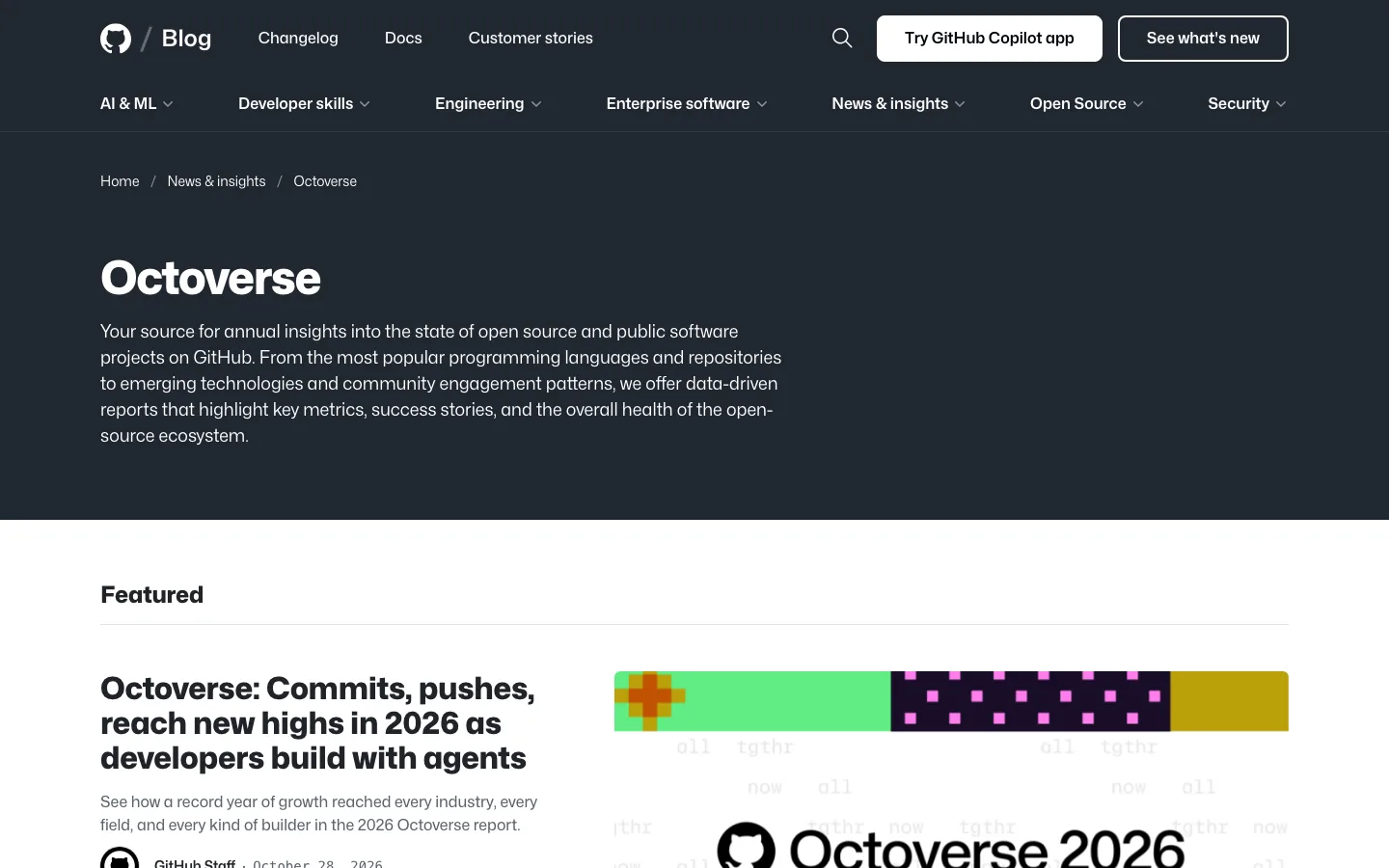
GitHub Octoverse is the annual state of open source report. It's published on the GitHub blog with charts built for sharing. Developers cite it in talks, which spreads the brand without paid promotion.
Steal this: Design every chart to make sense as a standalone image on social.
12. Spotify Advertising: Culture Next
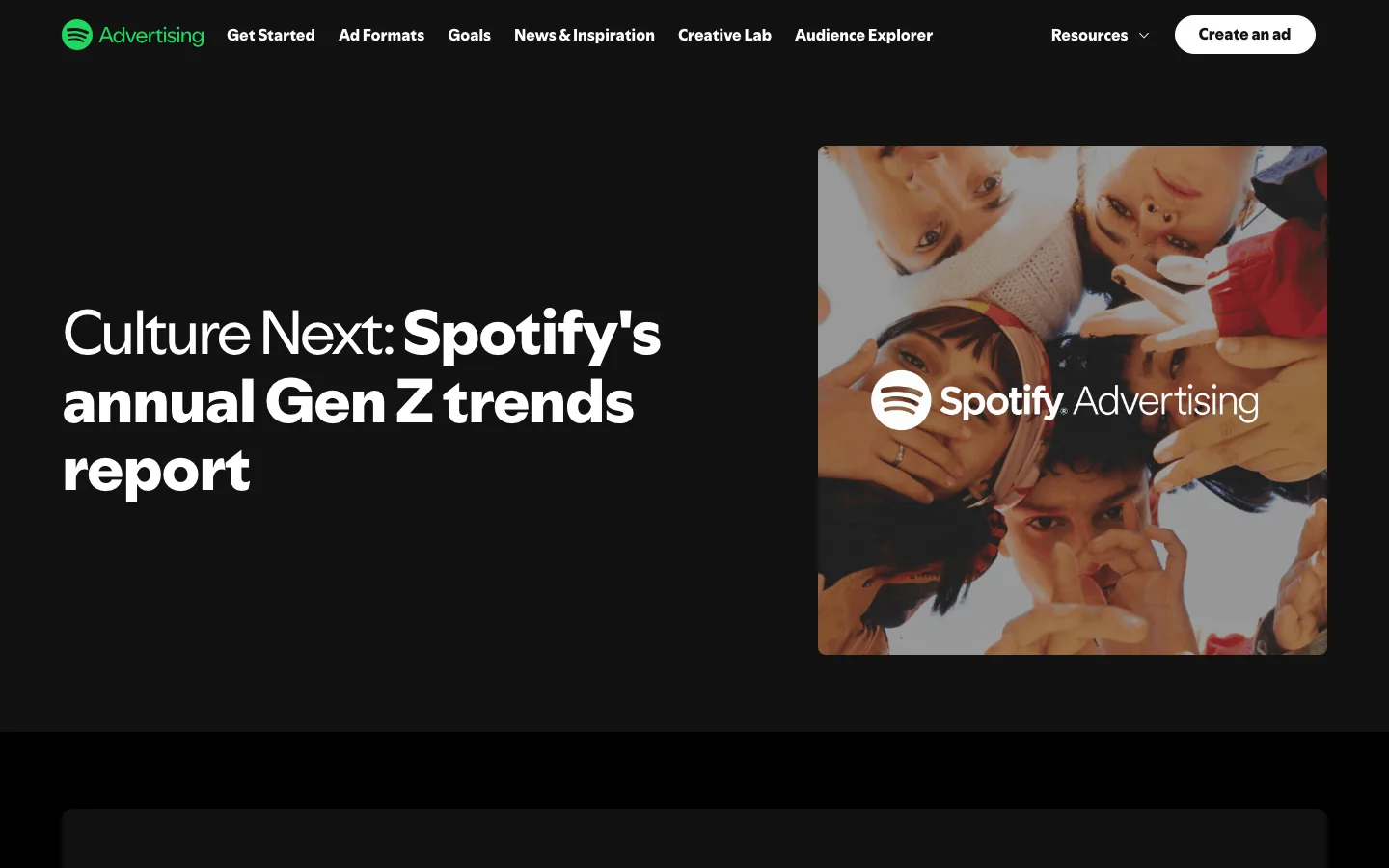
Spotify Advertising's Culture Next is an annual Gen Z trends report for ad buyers. It looks like a youth culture magazine, with bold color and editorial photography. It proves B2B collateral doesn't need to look corporate to sell.
Steal this: Design for the audience your buyer wants to reach, not only for the buyer.
13. Duolingo: 2024 Duolingo Language Report
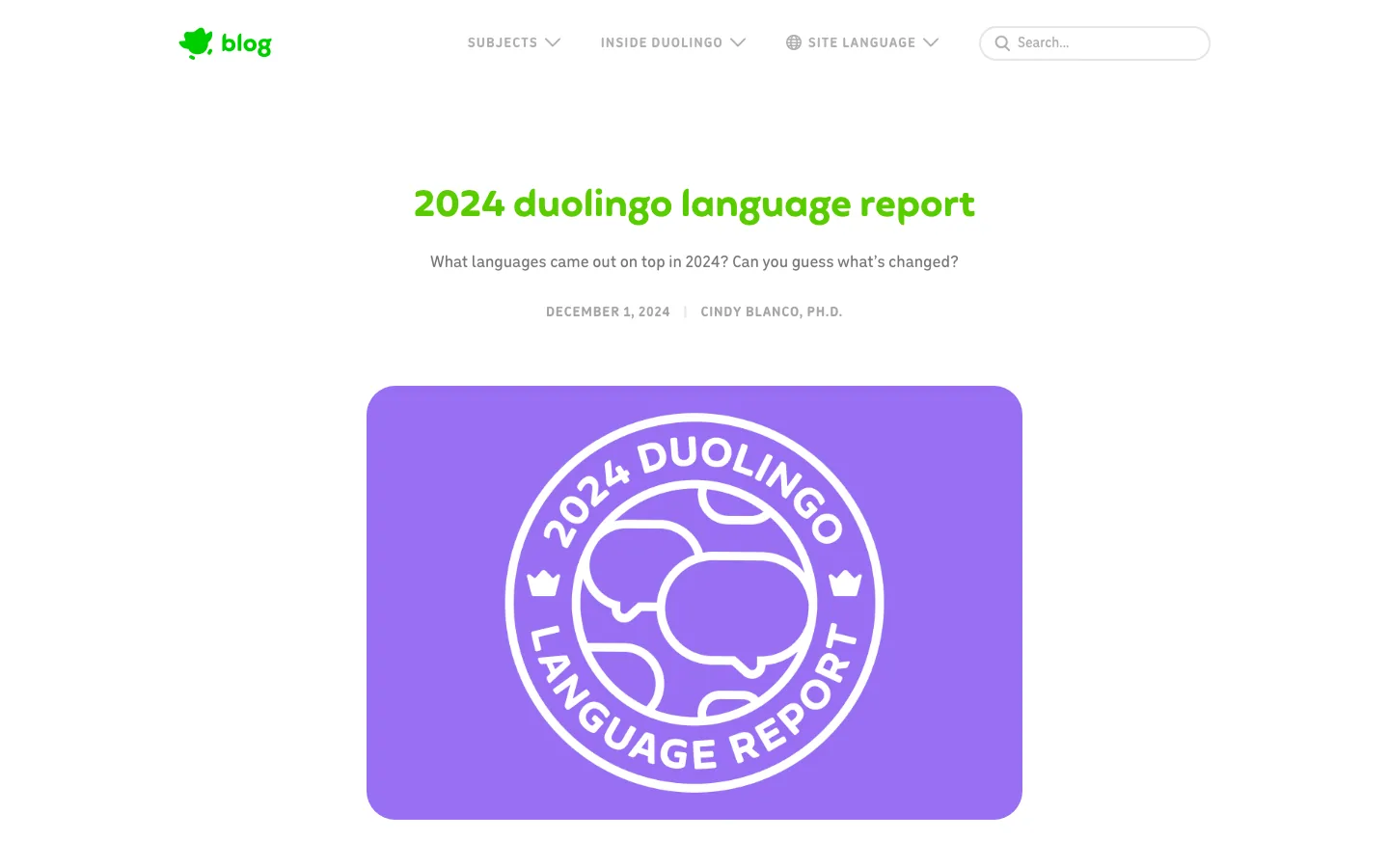
The 2024 Duolingo Language Report turns app data into country-by-country learning trends. Journalists love it because every finding is a ready-made headline. The playful, on-brand illustrations make the data feel like Duolingo.
Steal this: Write each finding as a headline a reporter could copy.
14. Stripe: 2024 Annual Letter
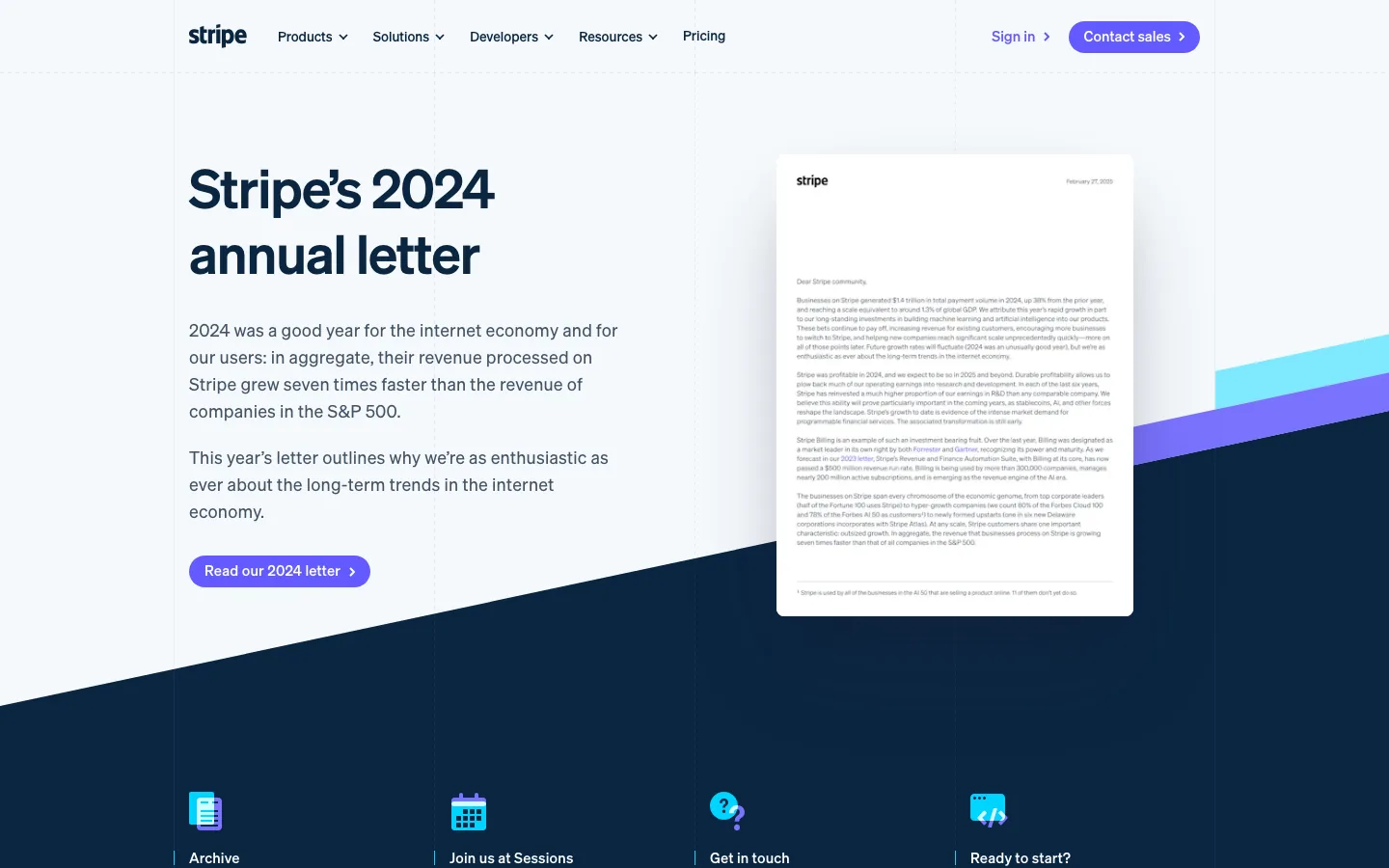
Stripe is a private company, yet it publishes an annual letter like a public one. The letter is long, specific, and full of metrics about the internet economy. Its clean, essay-style layout respects the reader's time.
Steal this: Write a yearly letter from leadership even if nobody requires one.
15. Apple: 2030 Environment Page
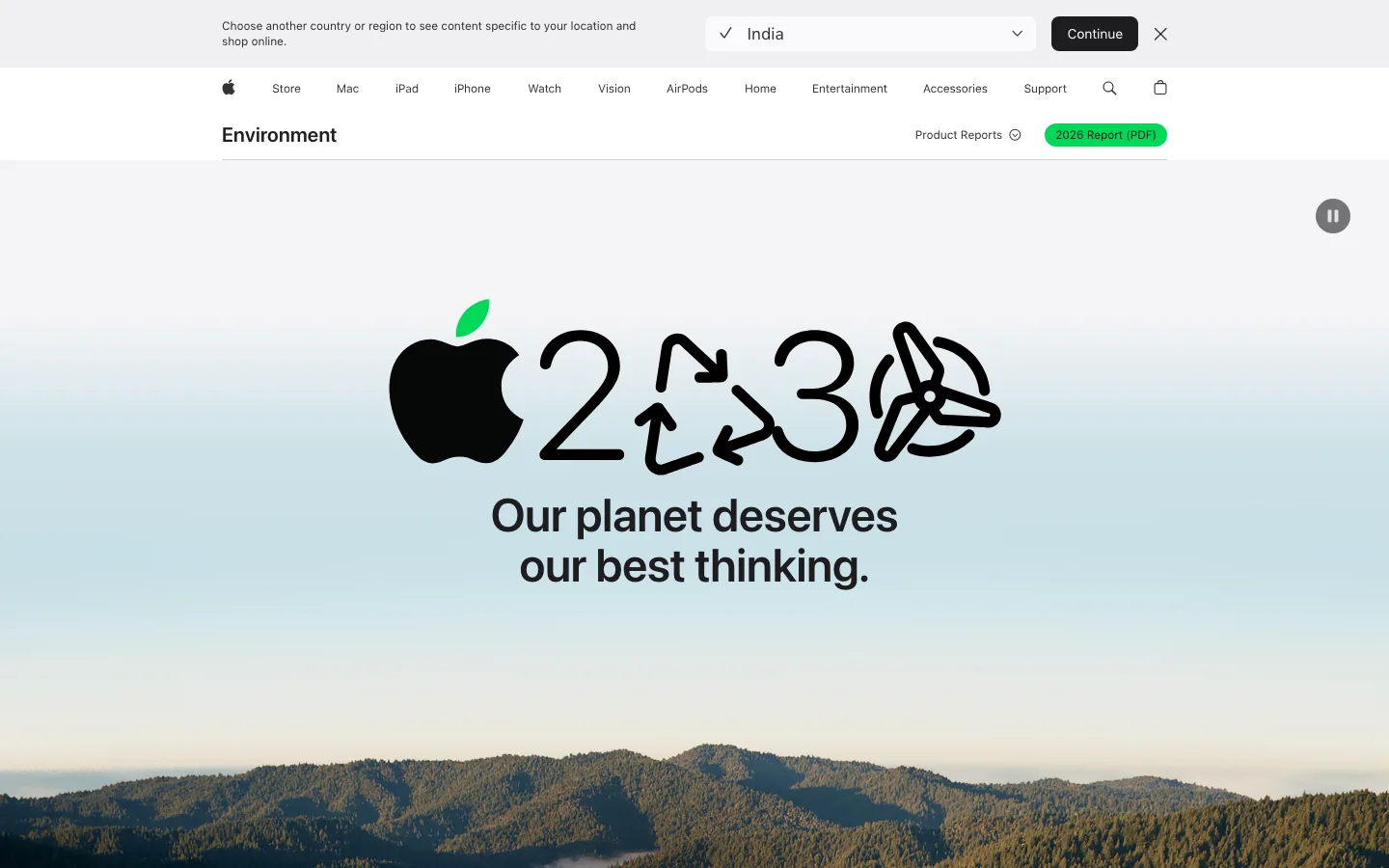
Apple's environment page explains the Apple 2030 plan with the same polish as a product launch. Big type and full-bleed visuals carry the message, and the detailed progress report sits one click deeper.
Steal this: Put the story on the page and the dense PDF behind it.
16. IKEA: Reports Library
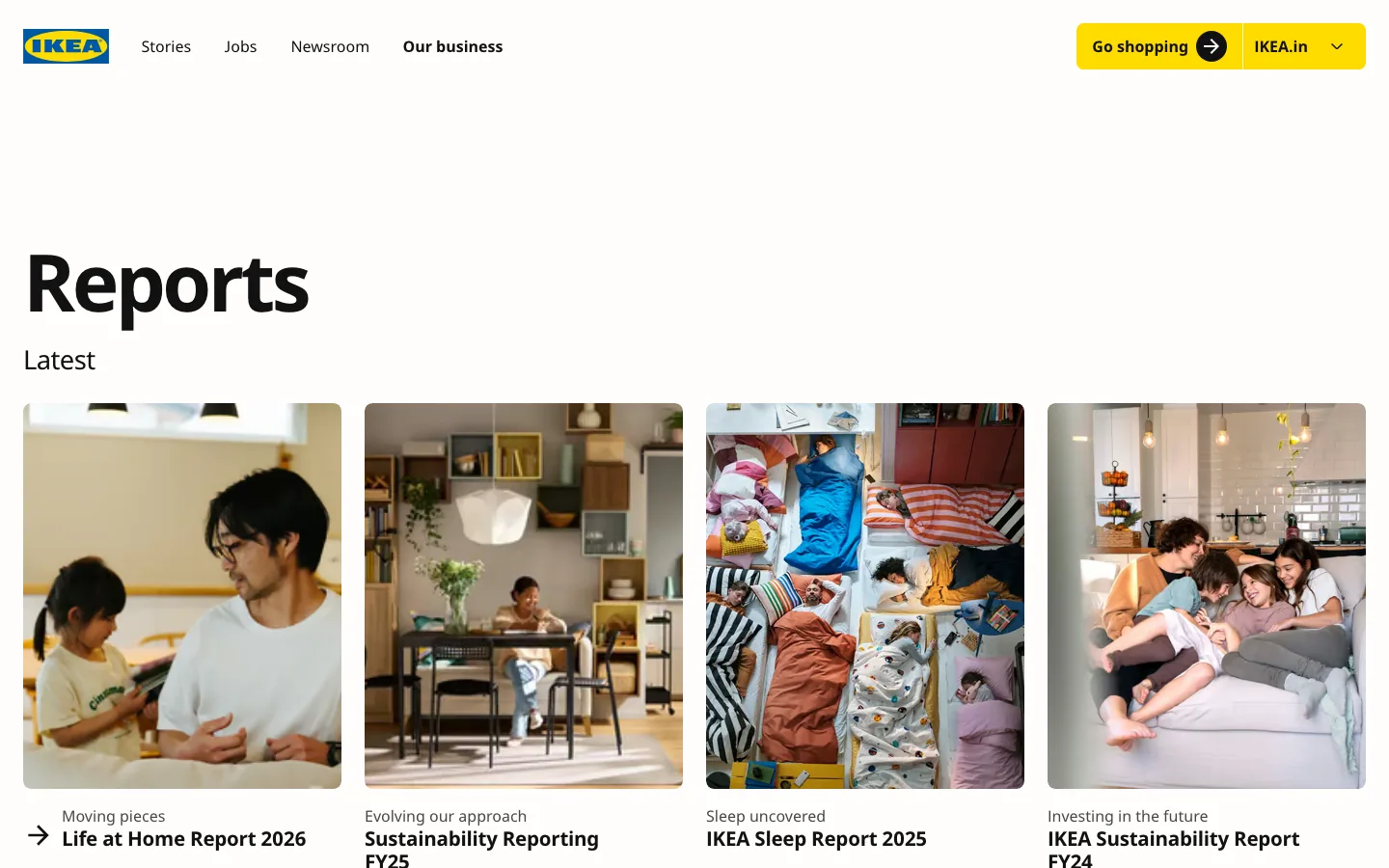
The IKEA reports library collects sustainability, financial, and Life at Home reports in one place. Each audience finds its report without digging. Warm lifestyle photos keep it feeling like IKEA, not a filing cabinet.
Steal this: Build one library page for all your reports and keep it current.
17. Shopify: Case Studies
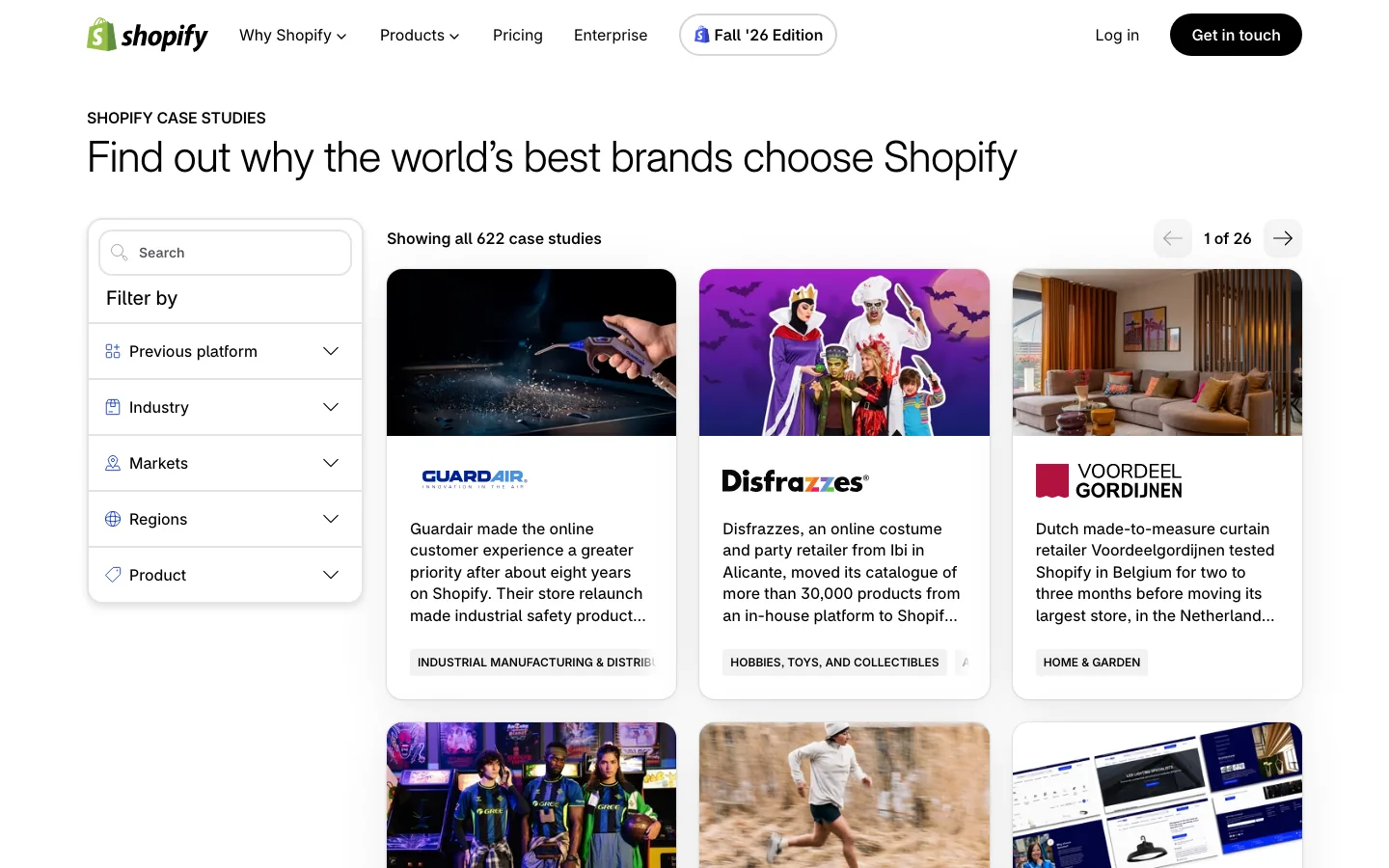
The Shopify case studies library lets visitors filter stories by industry and need. A beauty brand finds a beauty peer in two clicks. Product photos on every card make the stories feel real.
Steal this: Add filters once you have more than 20 case studies.
18. Slack: Customer Stories
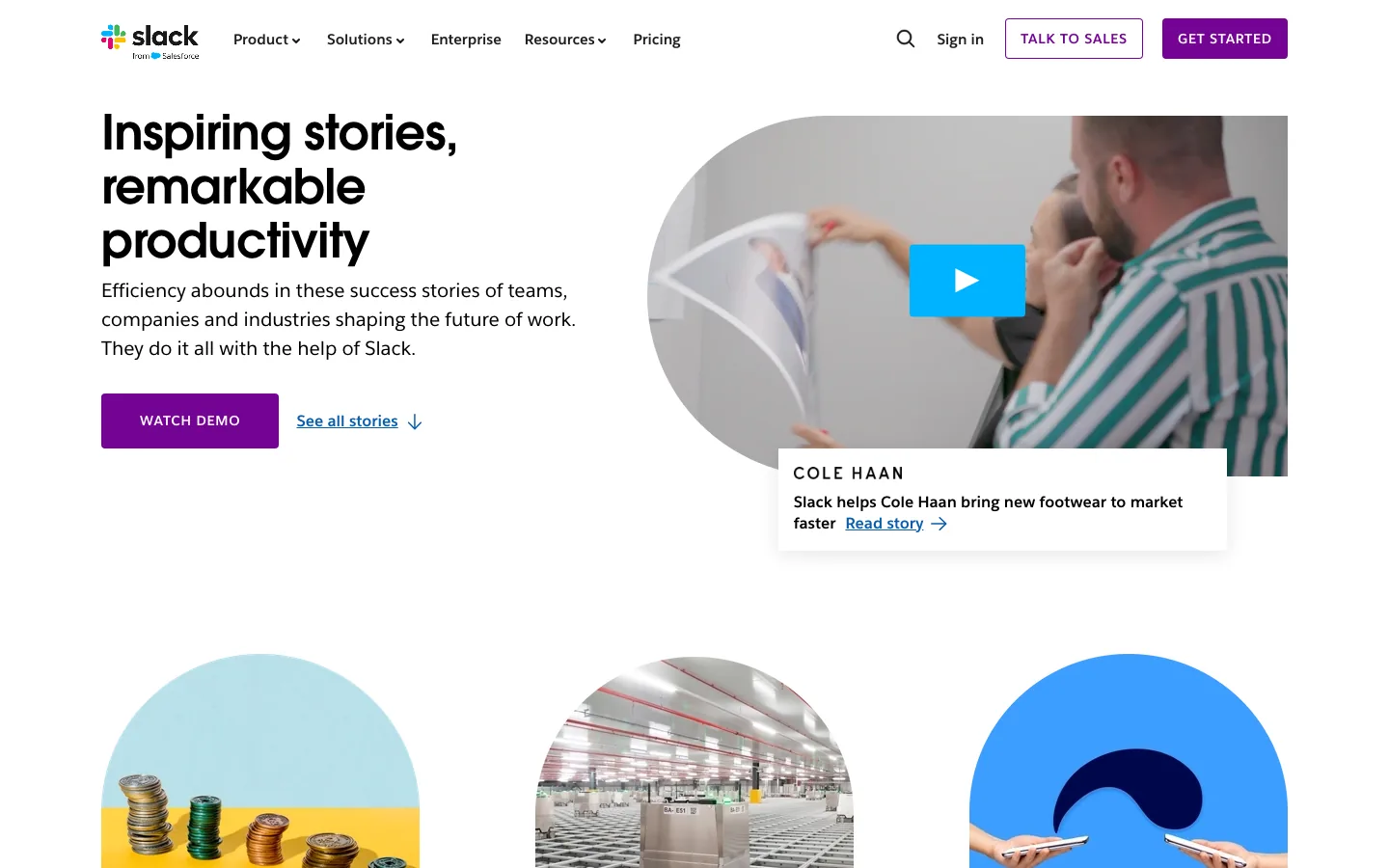
Slack's customer stories lead with named logos and short outcome headlines. Video sits right next to written stories. Buyers skim proof first and read details later.
Steal this: Put the outcome in the headline, not the third paragraph.
19. Notion: Customer Stories
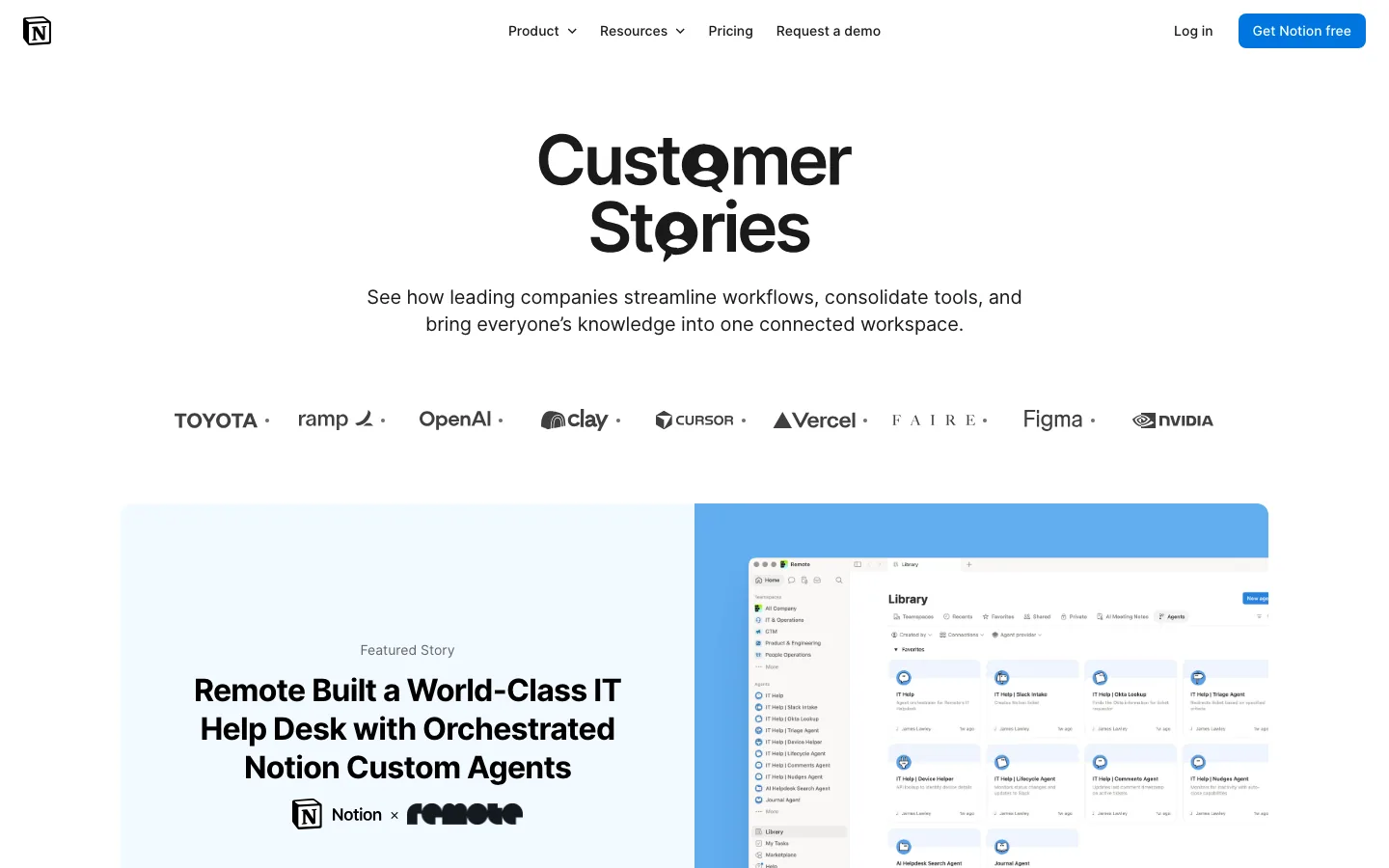
Notion's customer stories mix startups and enterprises and show how teams set up their workspaces. That turns each case study into a how-to. Prospects leave knowing what to build, not only that it worked.
Steal this: Show the setup behind the result so buyers can picture day one.
20. Figma: Customer Stories
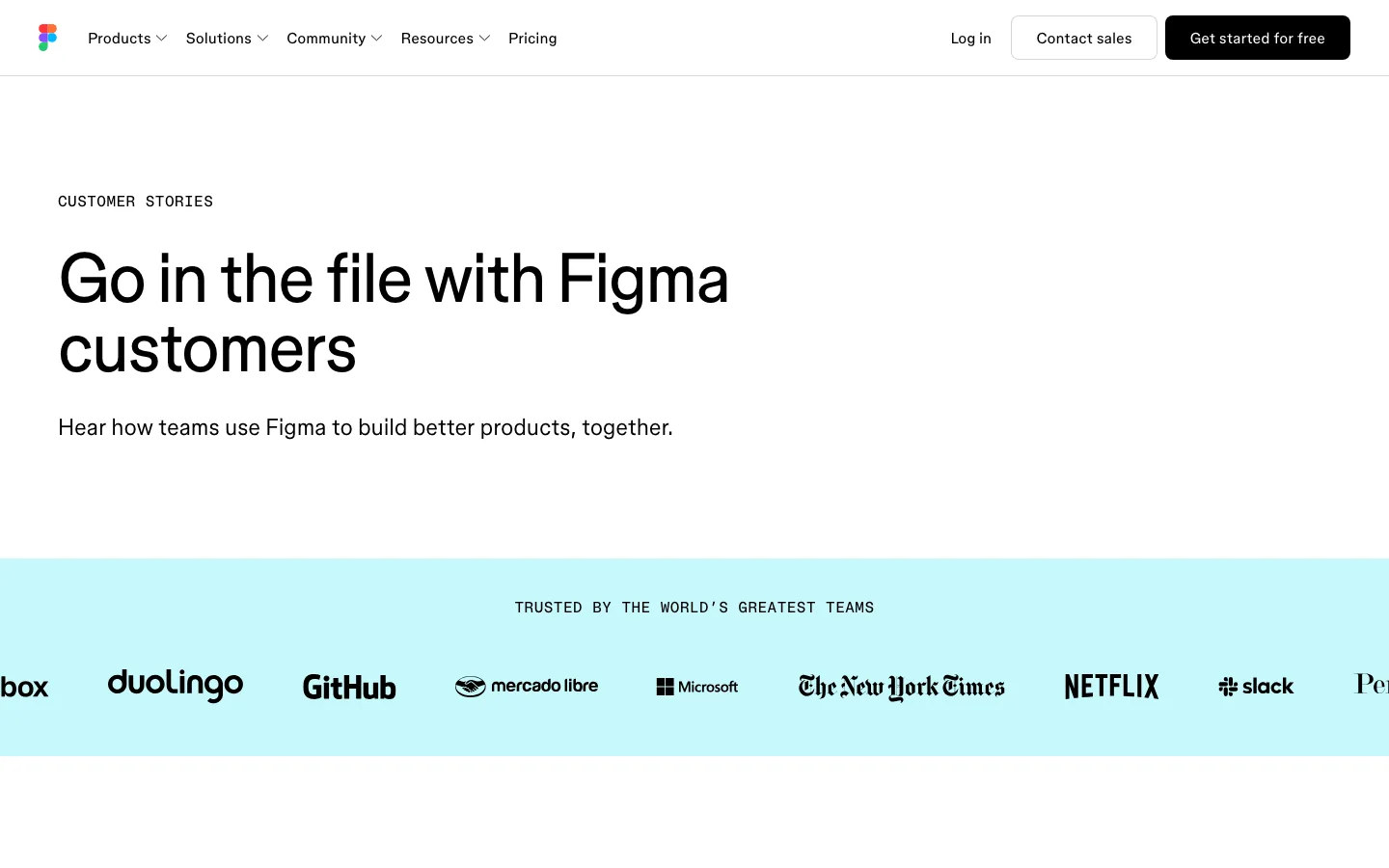
Figma's customer stories are aimed at designers, so the layout itself has to impress. A logo strip of well-known customers sits under a clean headline. The design carries proof before any copy does.
Steal this: Match your collateral's craft to your audience's standards.
21. Webflow: Customer Stories
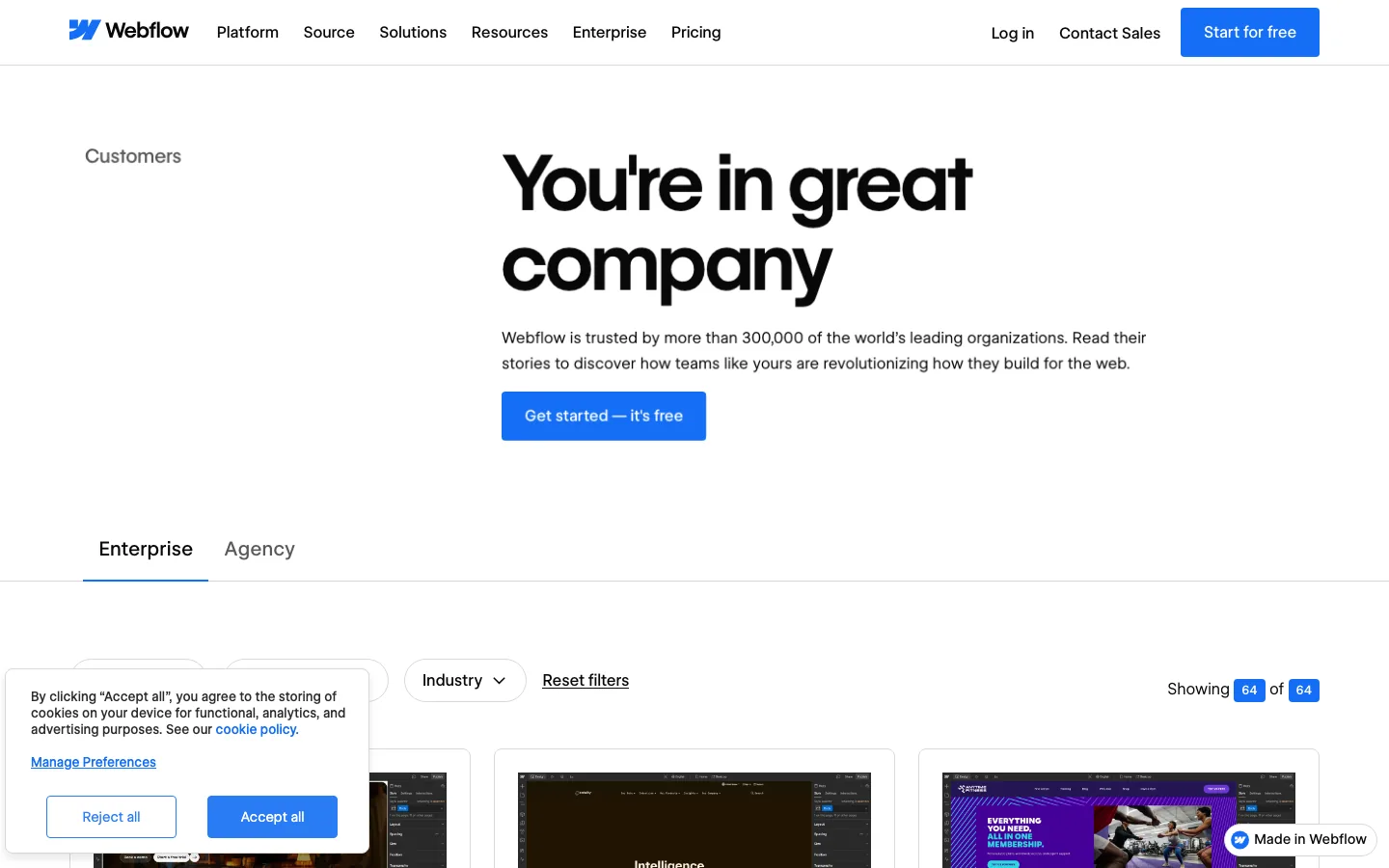
Webflow's customer stories split into Enterprise and Agency tabs. Each audience sees peers immediately. Every story is also a live website, so the proof is one click away.
Steal this: Segment case studies by buyer type with tabs, not separate pages.
22. Intercom: Customer Stories
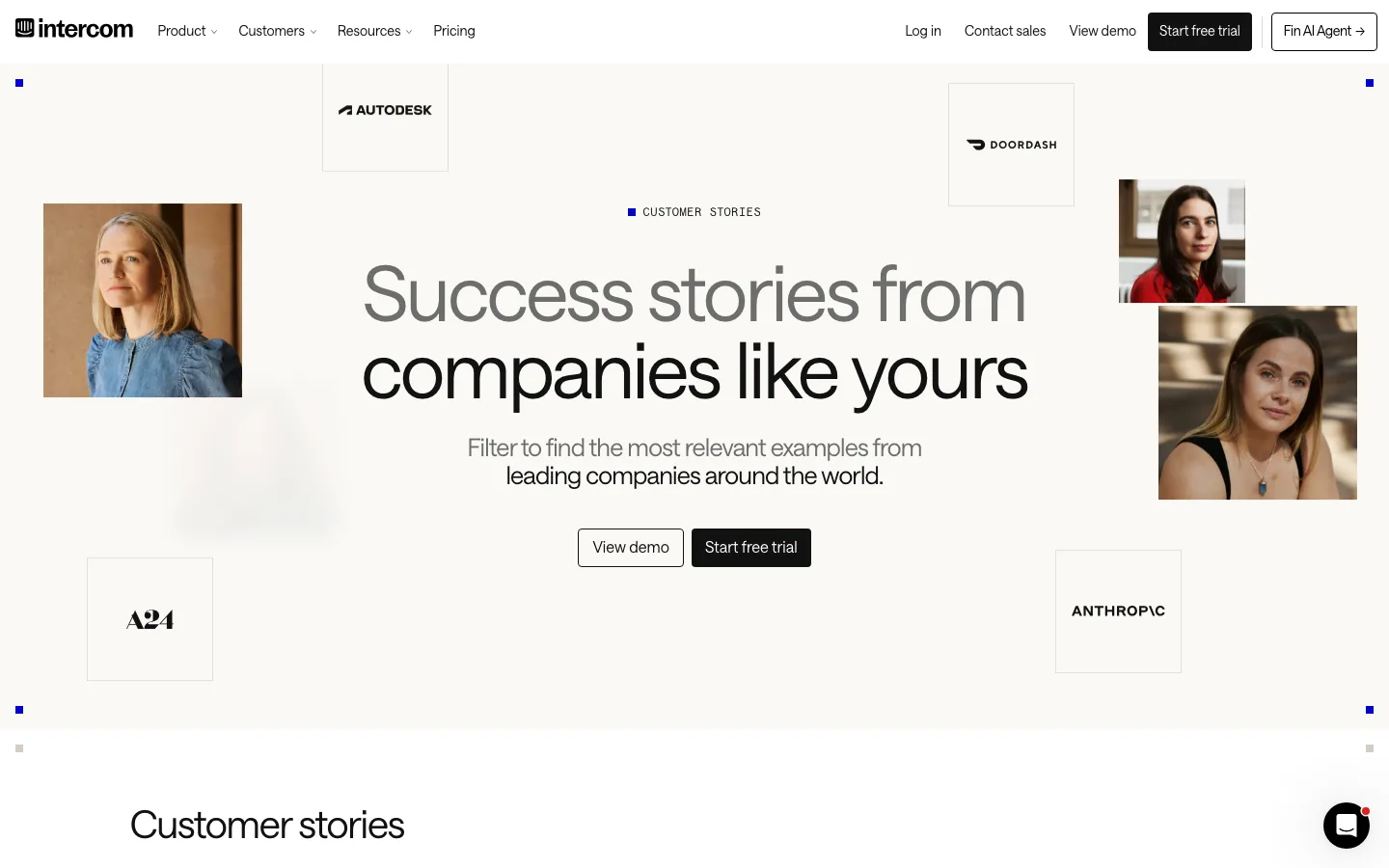
Intercom's customer stories highlight results tied to Fin, its AI agent. Keeping the stories focused on one product sharpens the proof. Portrait photos of real customers add a human face.
Steal this: Group proof around your hero product instead of the whole platform.
23. Linear: Linear Method
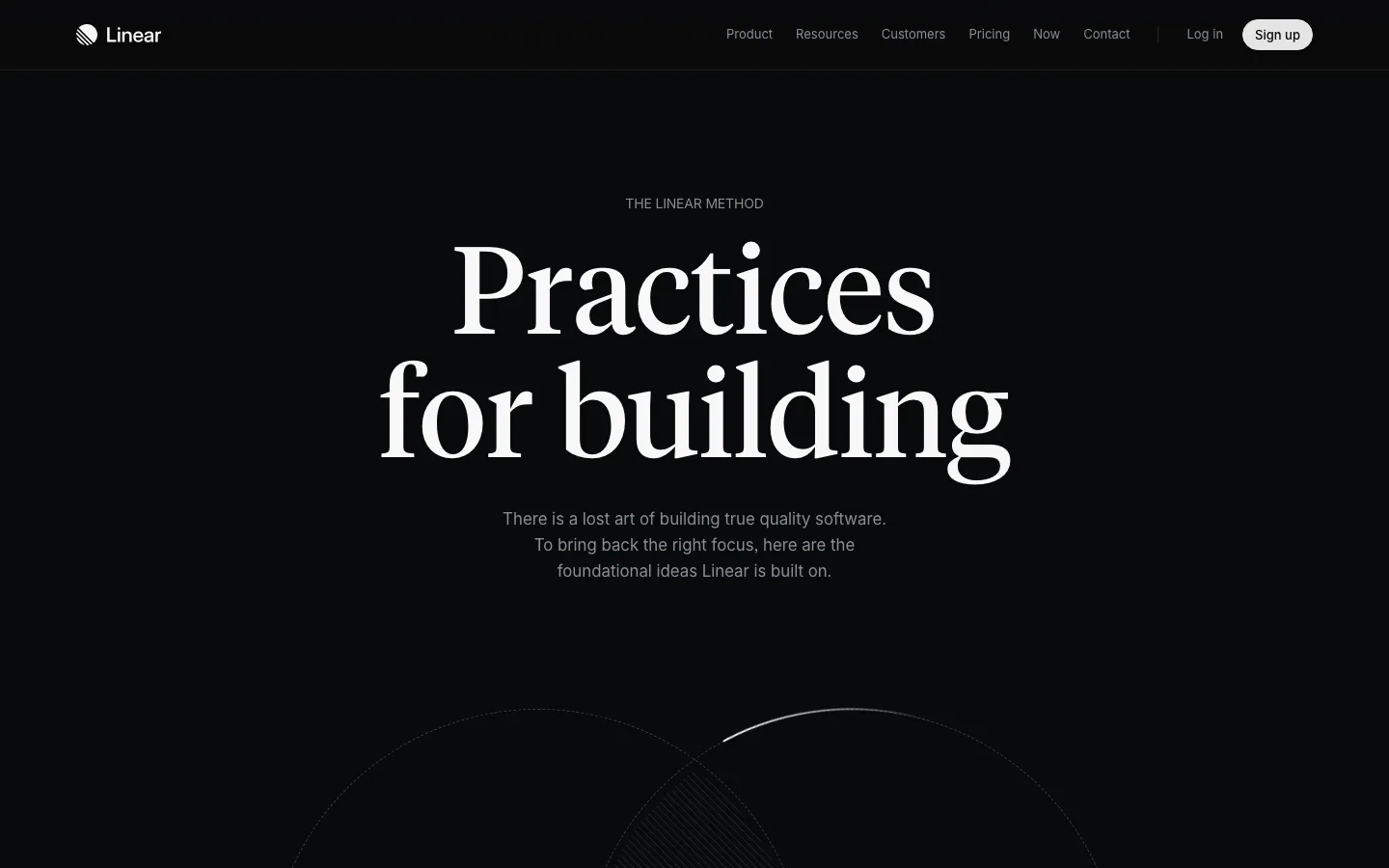
The Linear Method is a short set of principles for building products. It sells the philosophy before any feature. The dark, minimal layout matches the product exactly.
Steal this: Write down how your team works and publish it. Buyers who agree will self-select.
24. Gong: Gong Labs
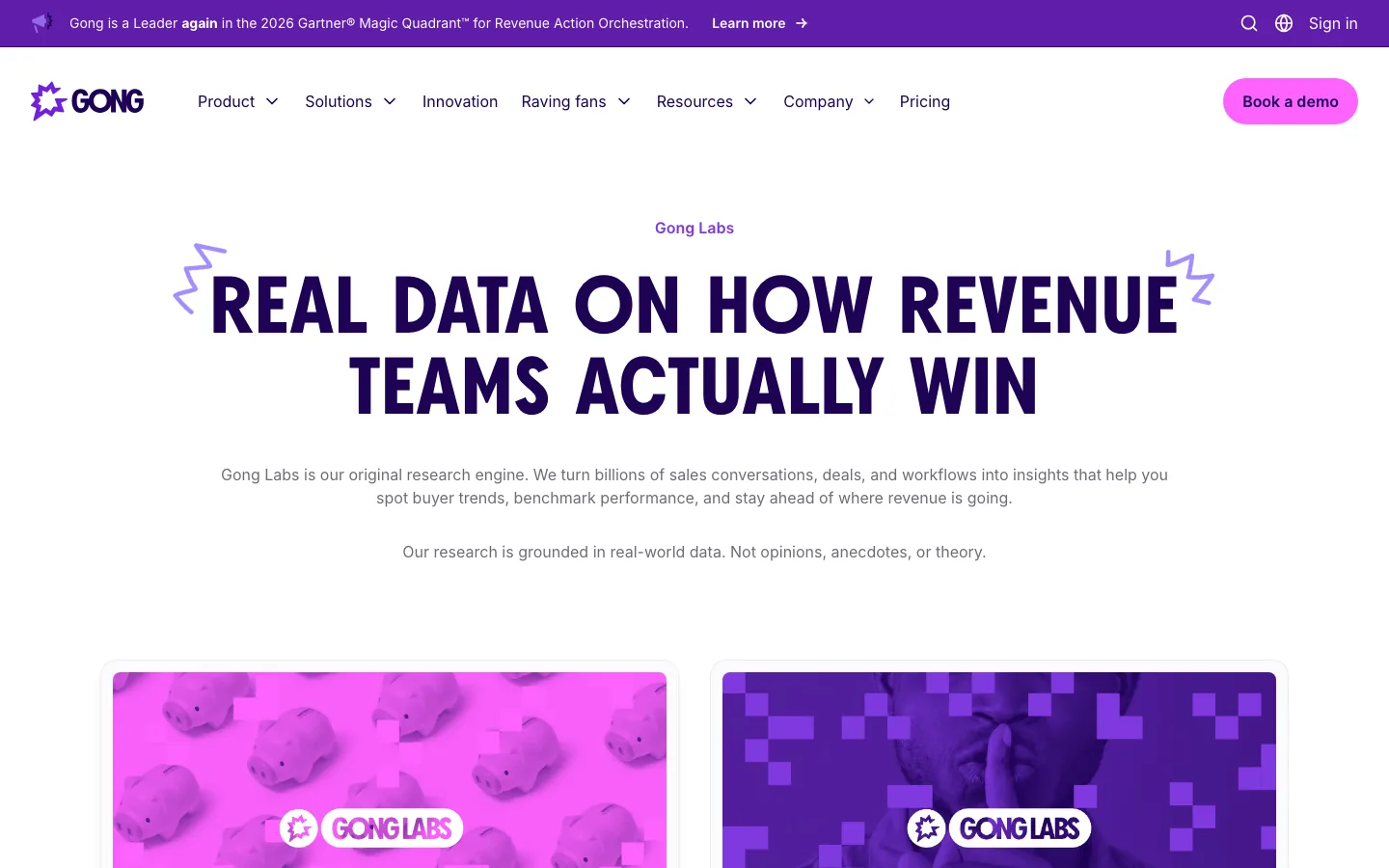
Gong Labs turns sales call data into ongoing research. Its findings feed blog posts, social graphics, and sales decks. One data source supplies collateral for every channel.
Steal this: Treat research as an engine with a steady output, not a yearly event.
What the Best Examples Have in Common
Three patterns repeat across all 24 examples.
- One clear question. HubSpot, Hootsuite, and Zendesk each answer "What's next?" for a single audience.
- Proof you can check. Salesforce and Twilio state sample sizes. Okta and Datadog use data only they own.
- Unmistakable brand design. Spotify, Duolingo, and Linear look like themselves, even as screenshots.
Notice what's missing, too. None of these lead with stock photos or vague claims. If you remove the logo and can't tell who made it, the collateral isn't finished.
How to Create Marketing Collateral in 7 Steps
Follow these steps for any format, from a one-pager to a flagship report.
- Pick the buyer question. Use sales call notes and support tickets. Ask reps which question stalls deals most often.
- Choose the format. Match the question to the types above. "Has this worked for someone like me?" needs a case study, not an eBook.
- Find proof you own. Check product data, customer results, and internal expertise before you buy a survey.
- Write the headline first. If the main finding doesn't fit in one line, keep editing the research.
- Design for skimming. Use big numbers, short sections, and charts that work alone. Browse real layouts in the Pineable design gallery before you brief a designer.
- Publish on the web first. Give the asset its own URL, then offer a PDF as a bonus. Web pages rank, PDFs mostly don't.
- Plan distribution and updates. Cut the asset into social posts, email snippets, and sales slides. Set a date to refresh it.
Common Marketing Collateral Mistakes
Most collateral fails for avoidable reasons. Here are the ones we see most in the Pineable gallery.
- Too many messages. A brochure that covers every product convinces nobody. Cut it to one product or one use case.
- Gating everything. A form in front of a two-page asset kills reach. Gate only what's worth trading an email for.
- No owner. Collateral without an owner goes stale. Outdated pricing in a sales sheet costs trust in the deal.
- Design by template. Generic templates make you look like everyone else. Use your brand system, even for a one-pager.
What does collateral mean in marketing in simple terms?
Collateral means the designed materials that back up your sales pitch. Think case studies, brochures, one-pagers, and reports. Like collateral on a loan, it gives buyers something solid to rely on before they commit.
What are some examples of marketing materials?
Common examples include case studies, research reports, one-pagers, brochures, eBooks, infographics, sales decks, and annual letters. HubSpot's State of Marketing report and Slack's customer stories are two well-known public examples.
What is the 3-7-27 rule in branding?
The 3-7-27 rule is an informal rule of thumb about repetition. It suggests people need many exposures before a brand sticks. It isn't backed by a single study, so treat it as a reminder to keep collateral consistent across every touchpoint.
What are the 7 types of marketing?
Lists vary, but a common set is content, social media, email, search, paid ads, event, and partner marketing. Collateral supports all seven by giving each channel proof to share, such as a report, case study, or one-pager.
What is the difference between sales collateral and marketing collateral?
Sales collateral supports a live conversation with a buyer, such as a one-pager sent after a demo. Marketing collateral works before contact, such as a public trend report. Many assets, like case studies, do both jobs.
How often should you update marketing collateral?
Review core collateral at least once a quarter and refresh flagship reports yearly. Update immediately when pricing, product names, or key stats change, because outdated collateral damages trust mid-deal.
Ready to build your next asset? Pick one buyer question from this week's sales calls and match it to a format above. Then study three examples from the gallery before you open a design file.
Summarize this article with AI:
 ChatGPT
 Perplexity
 Claude
 Grok
Grok

Written by
Taher BatterywalaFounder & Chief Curator
Taher Batterywala is a creative marketer who loves to write & design content that organically drives conversions. He is the creator of Pineable, the world's first content marketing design inspiration hub. He regularly shares his thoughts about content design, SEO, and marketing. As a true cinephile, he admires movies above anything else.